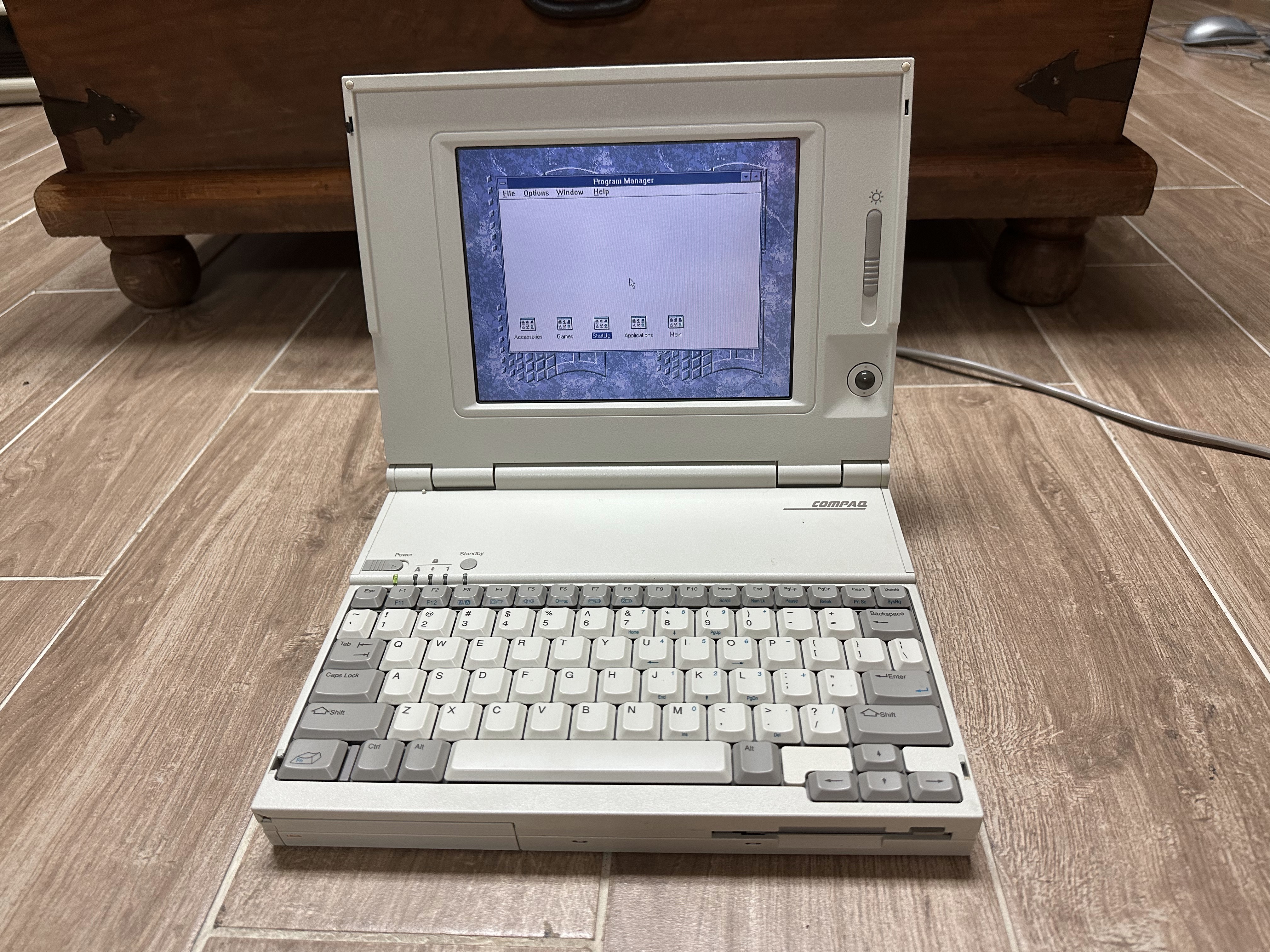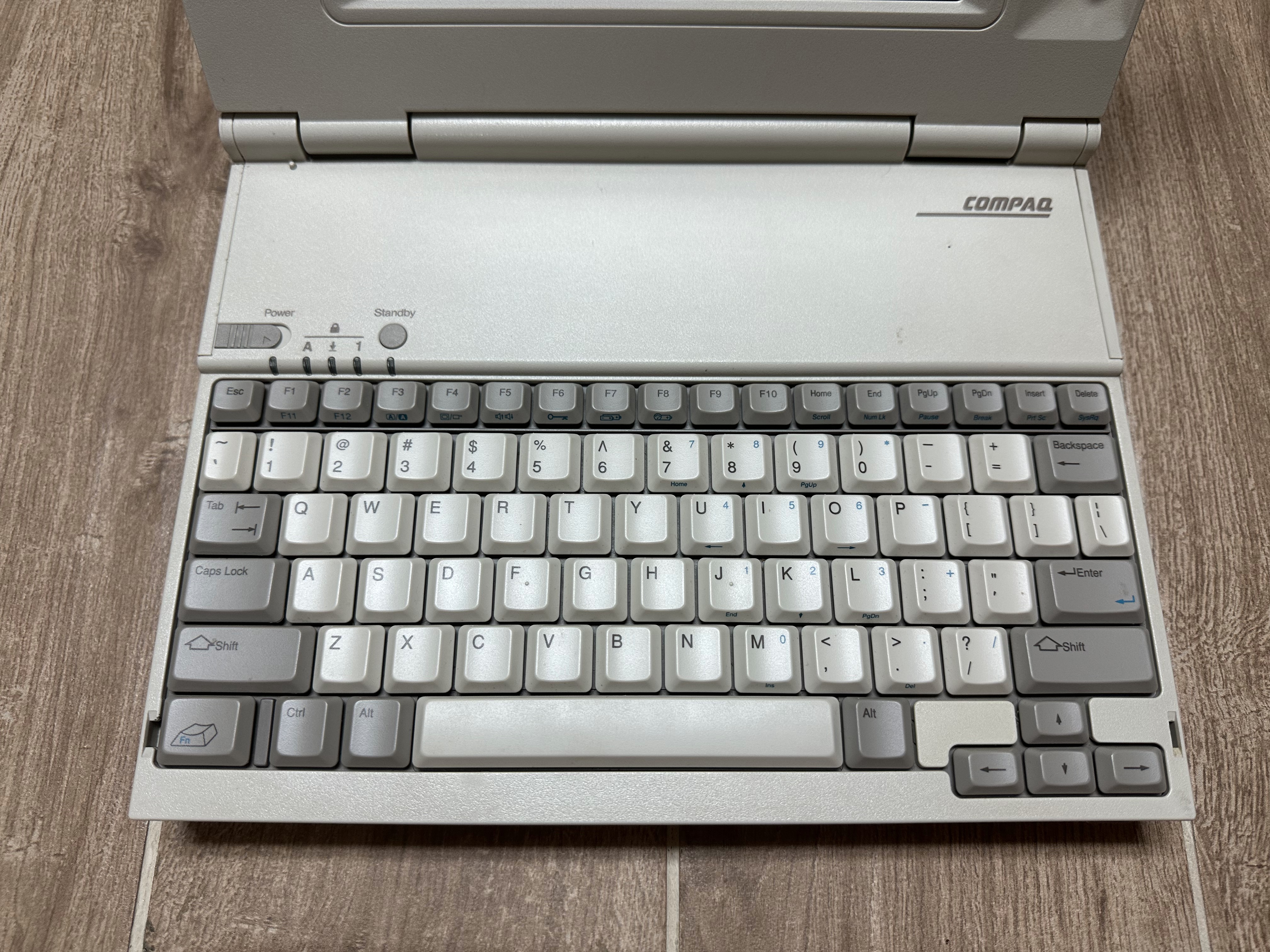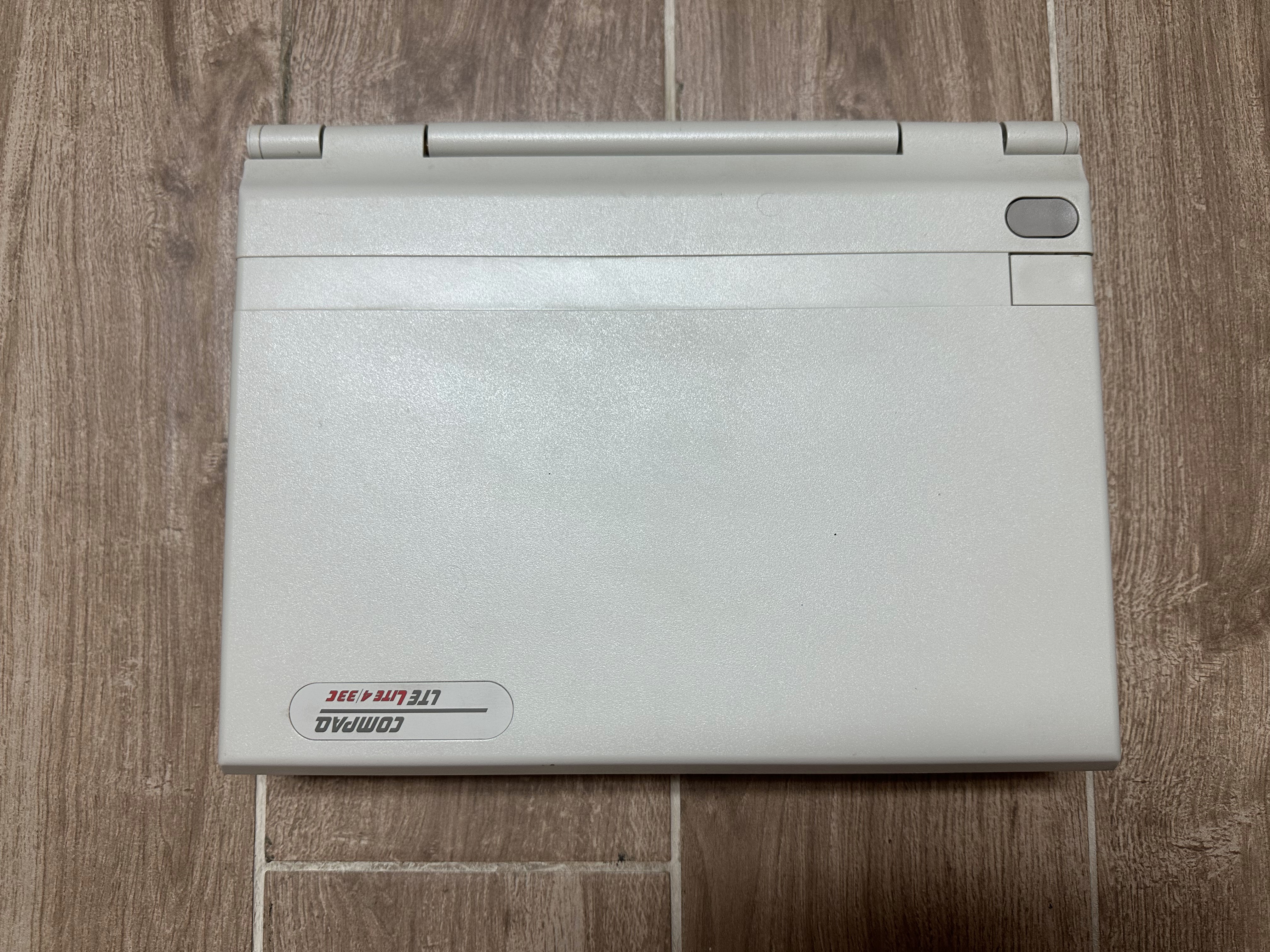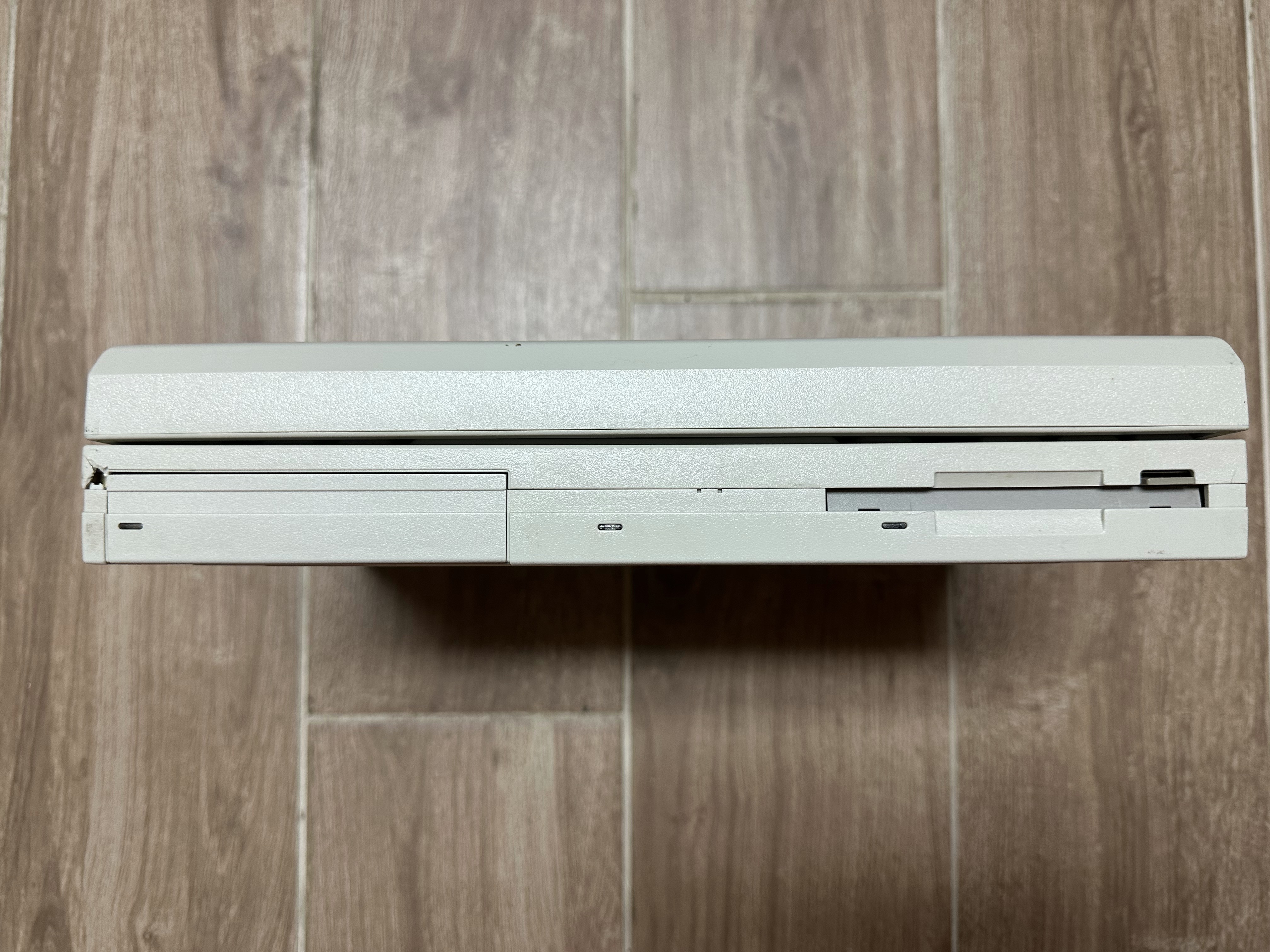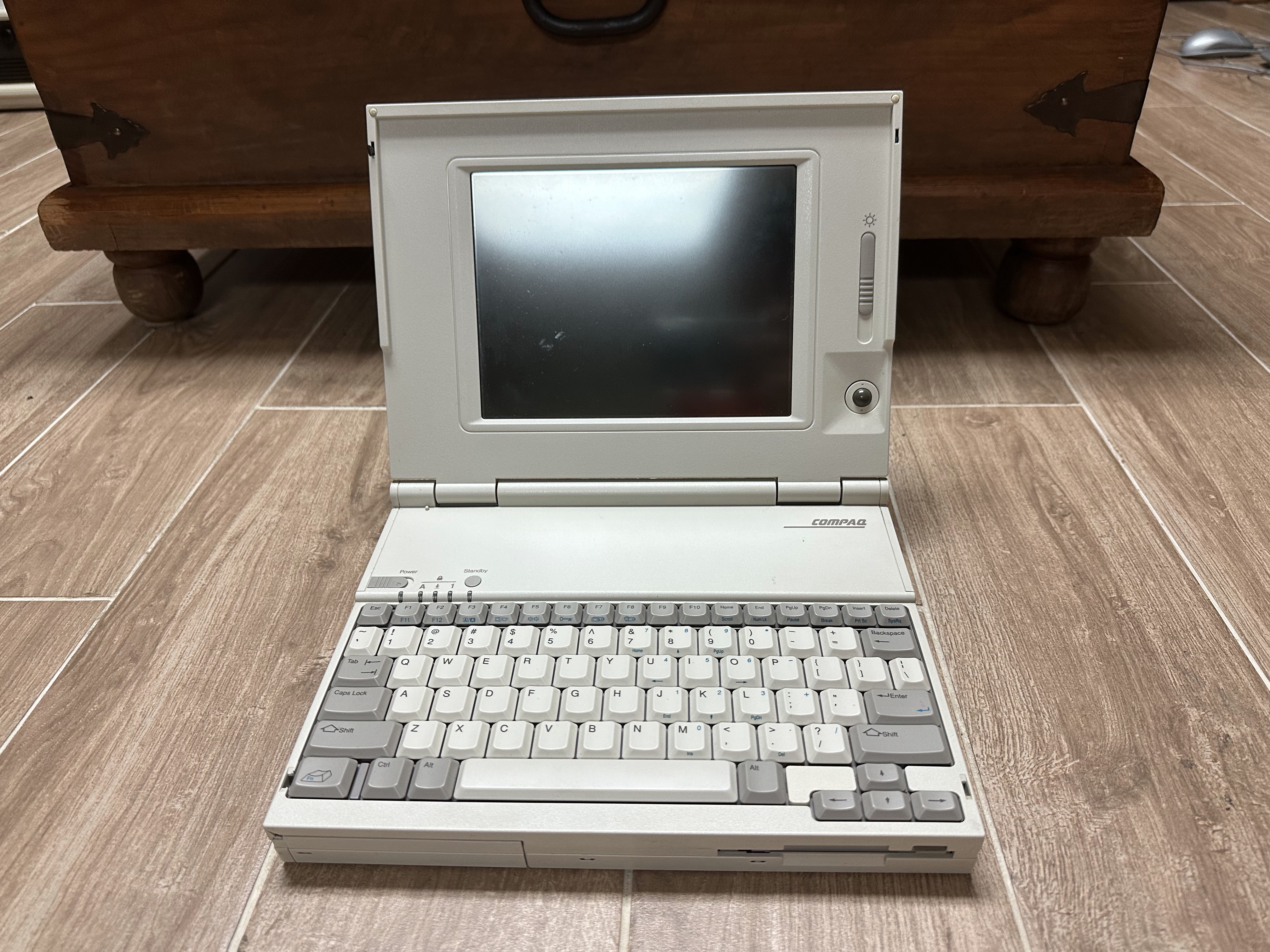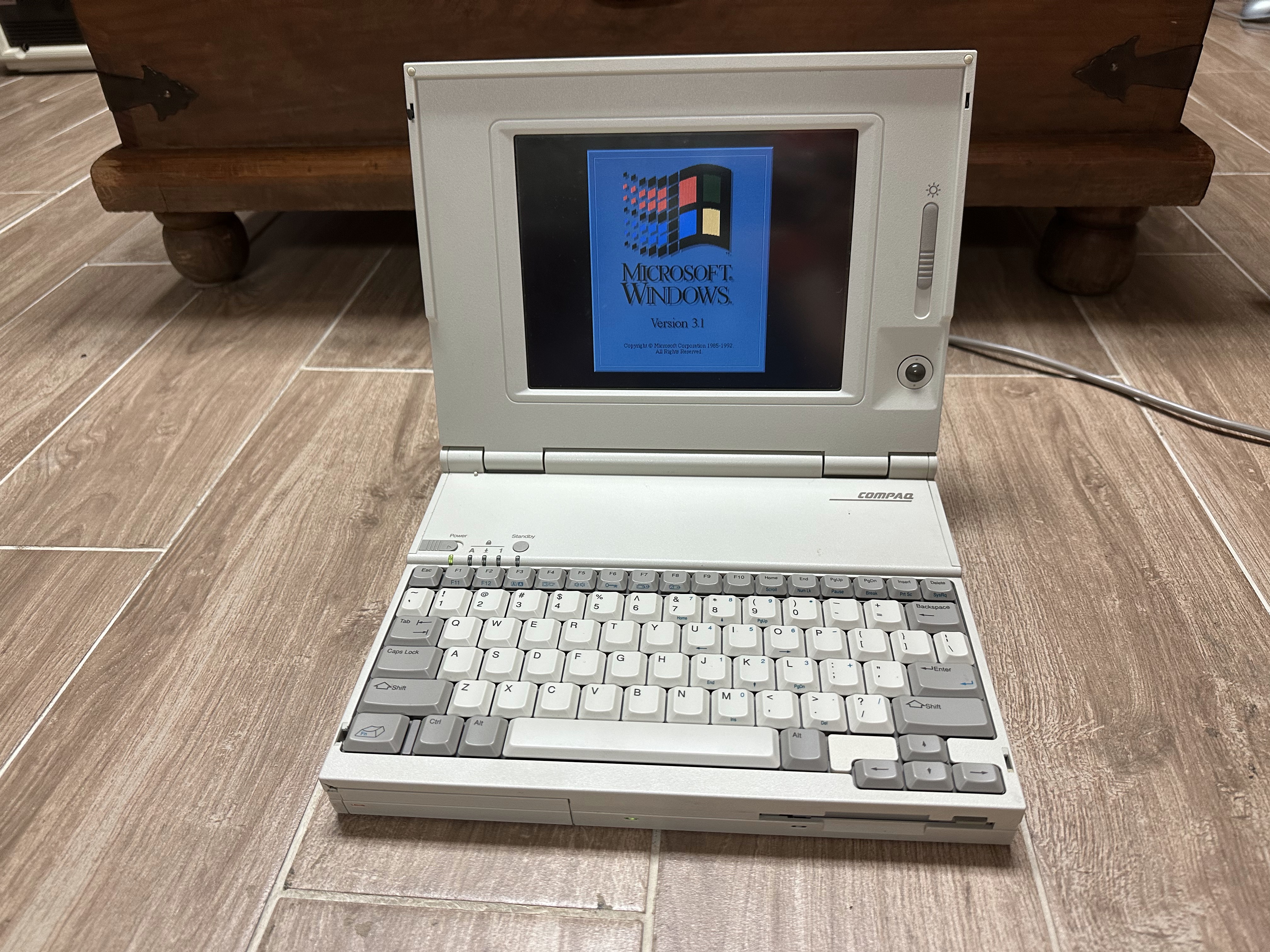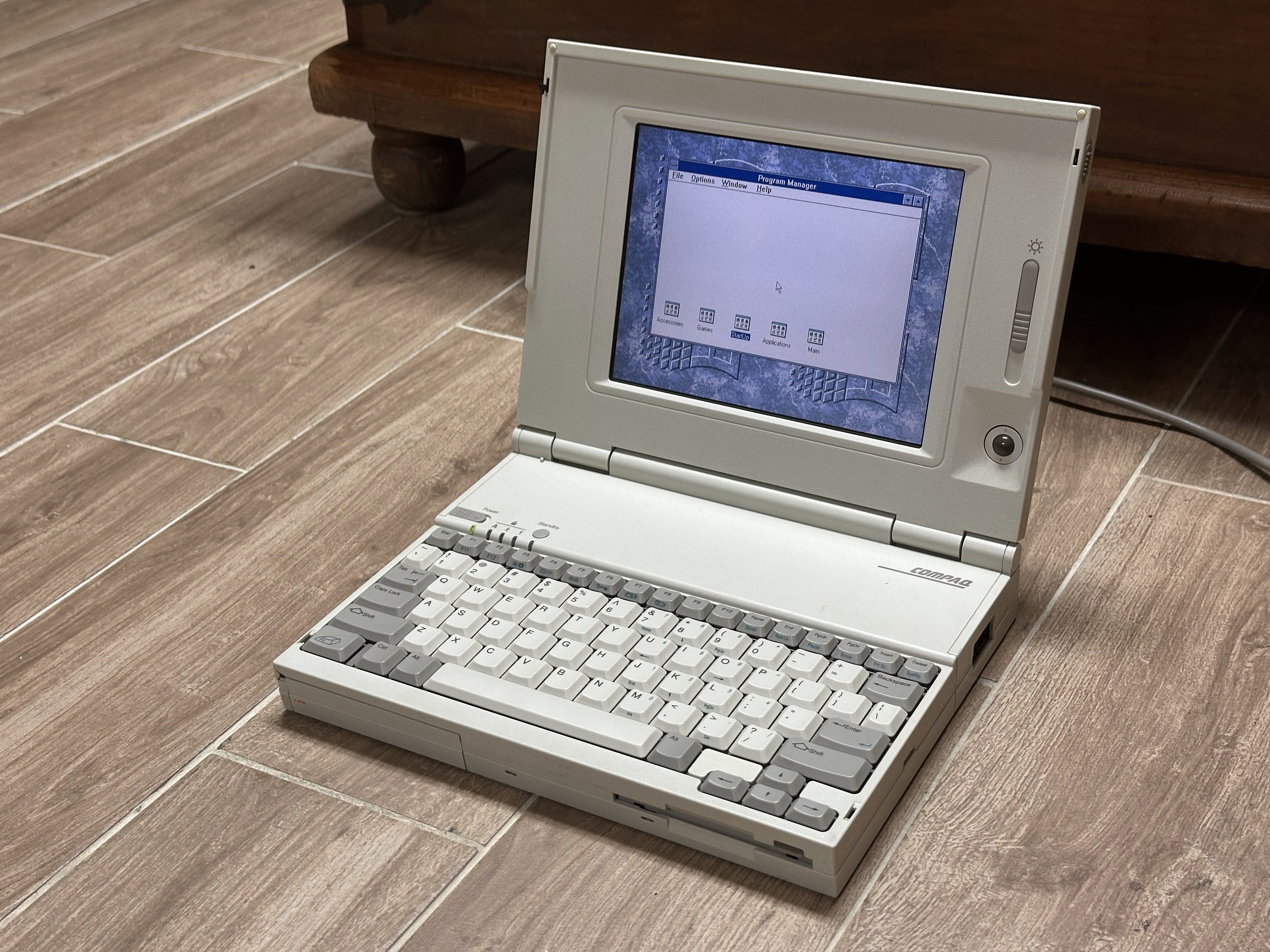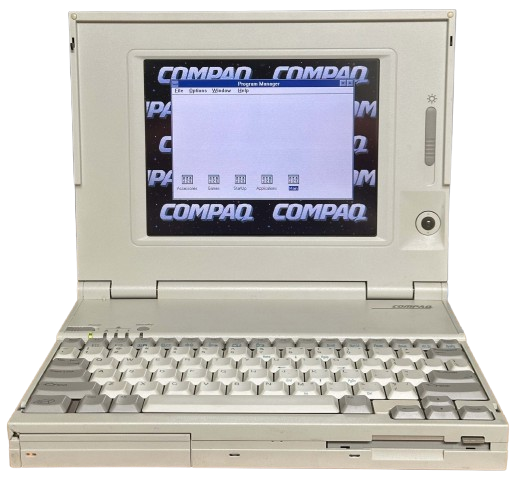
Compaq LTE Lite Series
The LTE Lite Series are 386 and 486-based laptops sold by Compaq between 1992 and 1994. Models ranged from a 20MHz 386 system with a passive matrix grayscale display and no built-in pointing device, all the way up to a 33MHz 486 with an active matrix color display, built-in trackball, and other features.
The LTE Lite was designed and manufactured in partnership with Citizen Watch, a Japanese company perhaps best known to the vintage computer world as a manufacturer of floppy drives.
Specifications
Individual Model Specsheets
Lite/20 | Lite/25 | Lite/25E | Lite/25C | Lite 4/25 | Lite 4/25E | Lite 4/25C | Lite 4/33C
Combined Spec Table
| Spec | LTE Lite/20 | LTE Lite/25 | LTE Lite/25E | LTE Lite/25C | LTE Lite 4/25 | LTE Lite 4/25E | LTE Lite 4/25C | LTE Lite 4/33C |
|---|---|---|---|---|---|---|---|---|
| Release Date | January 1992 | November 1992 | ~June 1992 | May 1993 | November 1992 | May 1993 | ||
| CPU | CPU Type: Soldered QFP Intel 386SL @20MHz | CPU Type: Soldered QFP Intel 386SL @25MHz | CPU Type: Soldered QFP Intel 486SL @25MHz | CPU Type: Soldered QFP Intel 486SL @33MHz | ||||
| Chipset | Unknown | |||||||
| RAM | Type: LTE Lite 386 Proprietary Standard: 2MB Maximum: 20MB | Type: LTE Lite 386 Proprietary Standard: 4MB Maximum: 20MB | Type: LTE Lite 486 Proprietary Standard: 4MB Maximum: 20MB | |||||
| Storage | 2.5" IDE Requires Adapter: Yes Standard: 40 or 60MB | 2.5" IDE Requires Adapter: Yes Standard: 60, 84, or 120MB | 2.5" IDE Requires Adapter: Yes Standard: 84 or 120MB | 2.5" IDE Requires Adapter: Yes Standard: 120MB | 2.5" IDE Requires Adapter: Yes Standard: 120 or 209MB | |||
| Display Options | 9.5" Passive Matrix Grayscale @640x480 | 9.5" Active Matrix Grayscale @640x480 | 8.4" Active Matrix Color @640x480 | 9.5" Passive Matrix Grayscale @640x480 | 9.5" Active Matrix Grayscale @640x480 | 8.4" Active Matrix Color @640x480 | ||
| Graphics Chipset | Compaq AVGA VRAM: 256KB | Compaq AVGA VRAM: 512KB | ||||||
| Audio | PC Speaker | |||||||
| Main Battery | NiCad or NiMH | |||||||
| CMOS Battery | - CR2430 Lithium (CMOS Battery) - NiCad 7.2V 50mAH (Reserve Battery) | |||||||
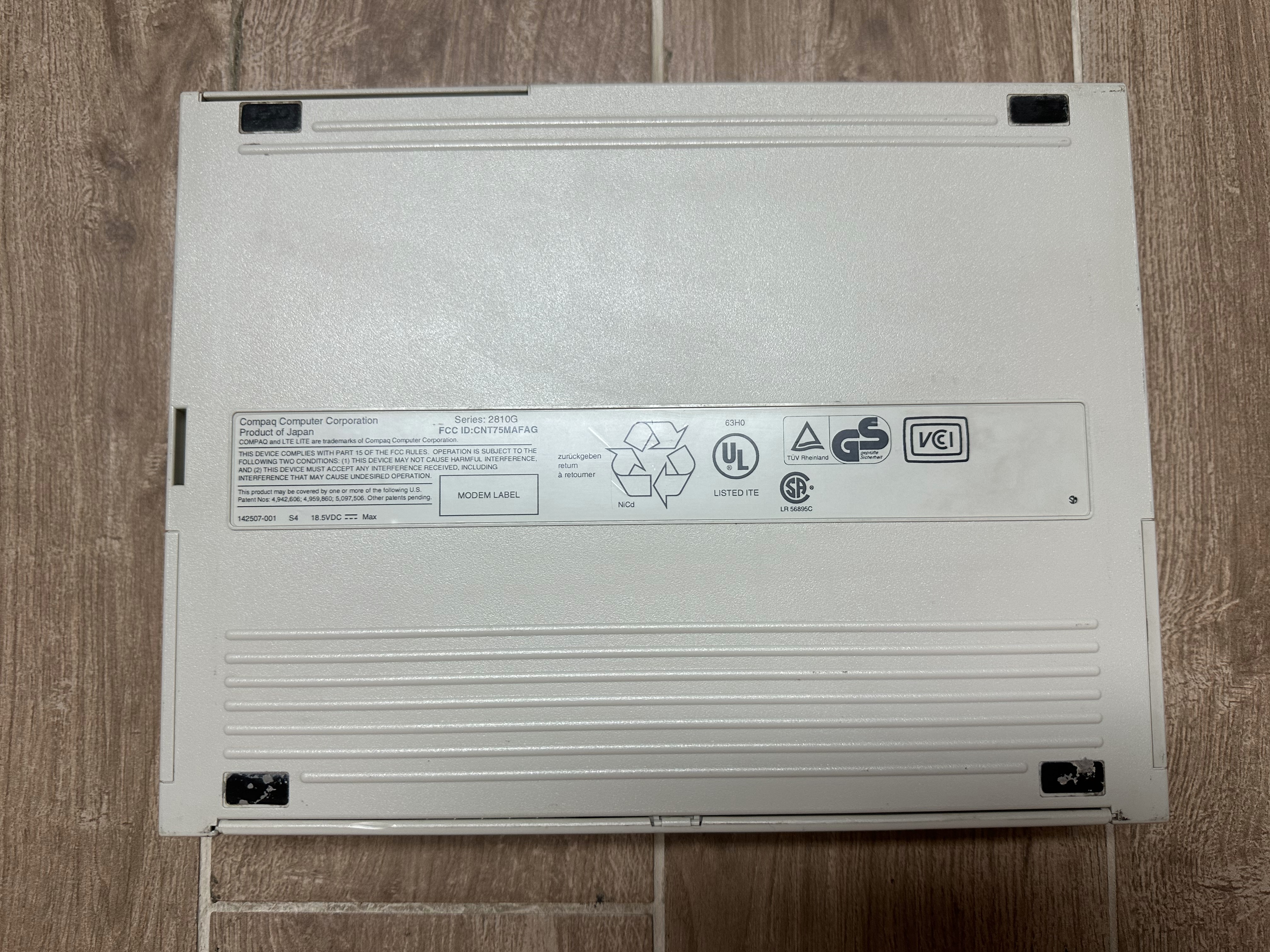
| Power Supply | Proprietary 3-pin - Compaq Series 2812 Power Supply (P/N 129827-001) - 18V 2.5A | |||||||
| Media Drives | 3.5" 1.44MB Floppy Drive (Citizen V1D, belt drive) | |||||||
| PC Cards | None | |||||||
| Networking | Optional Modem | |||||||
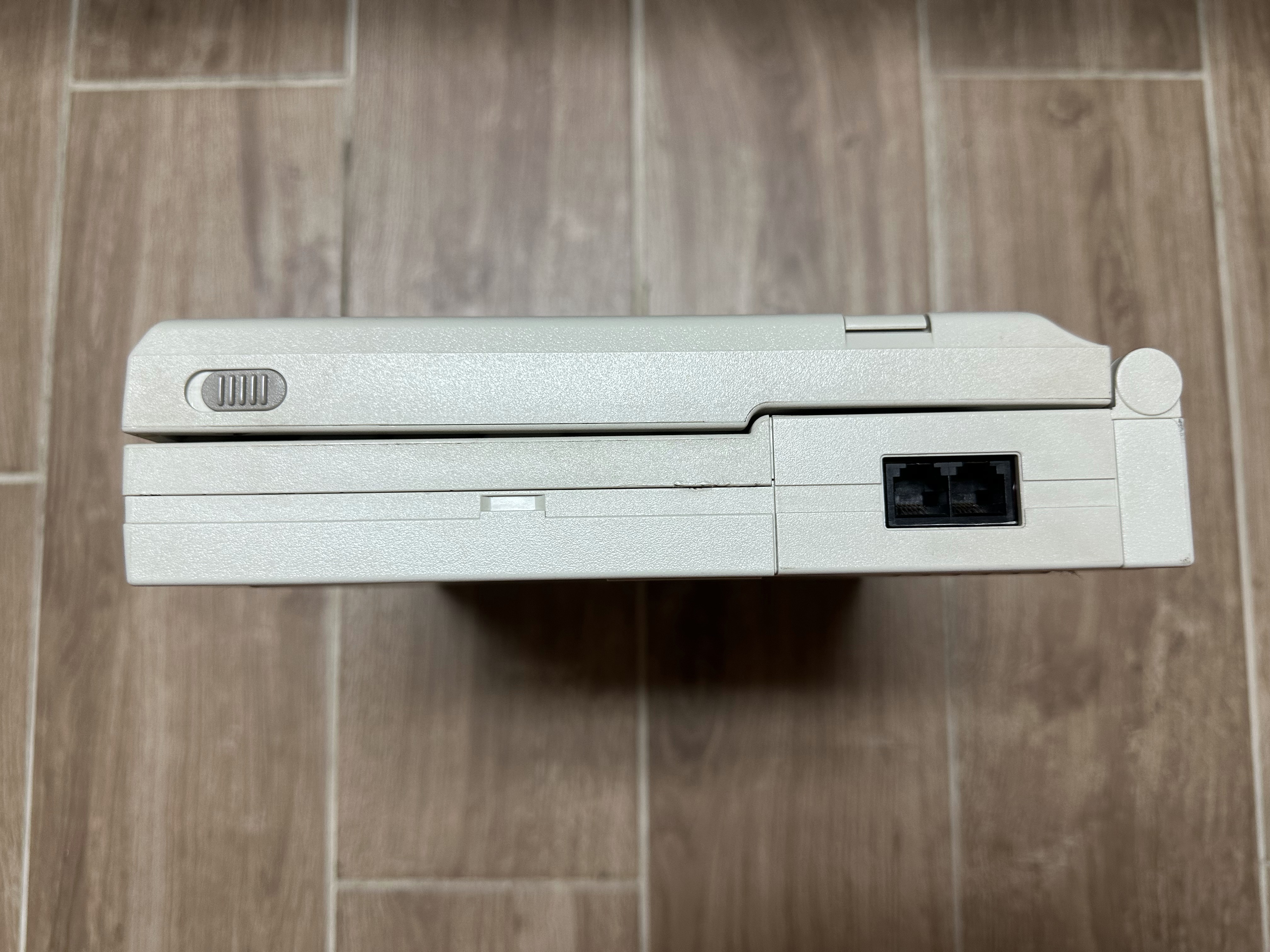
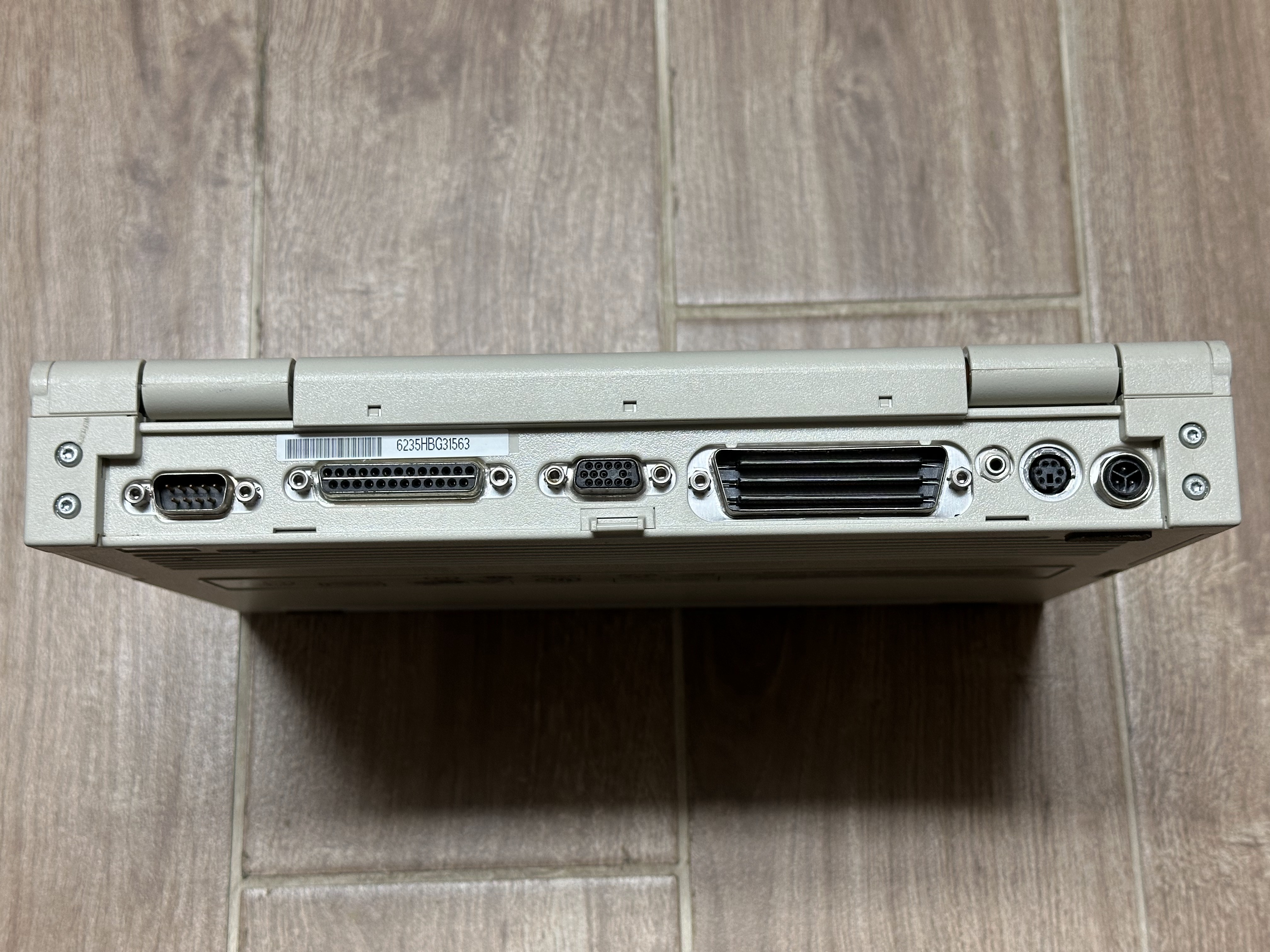
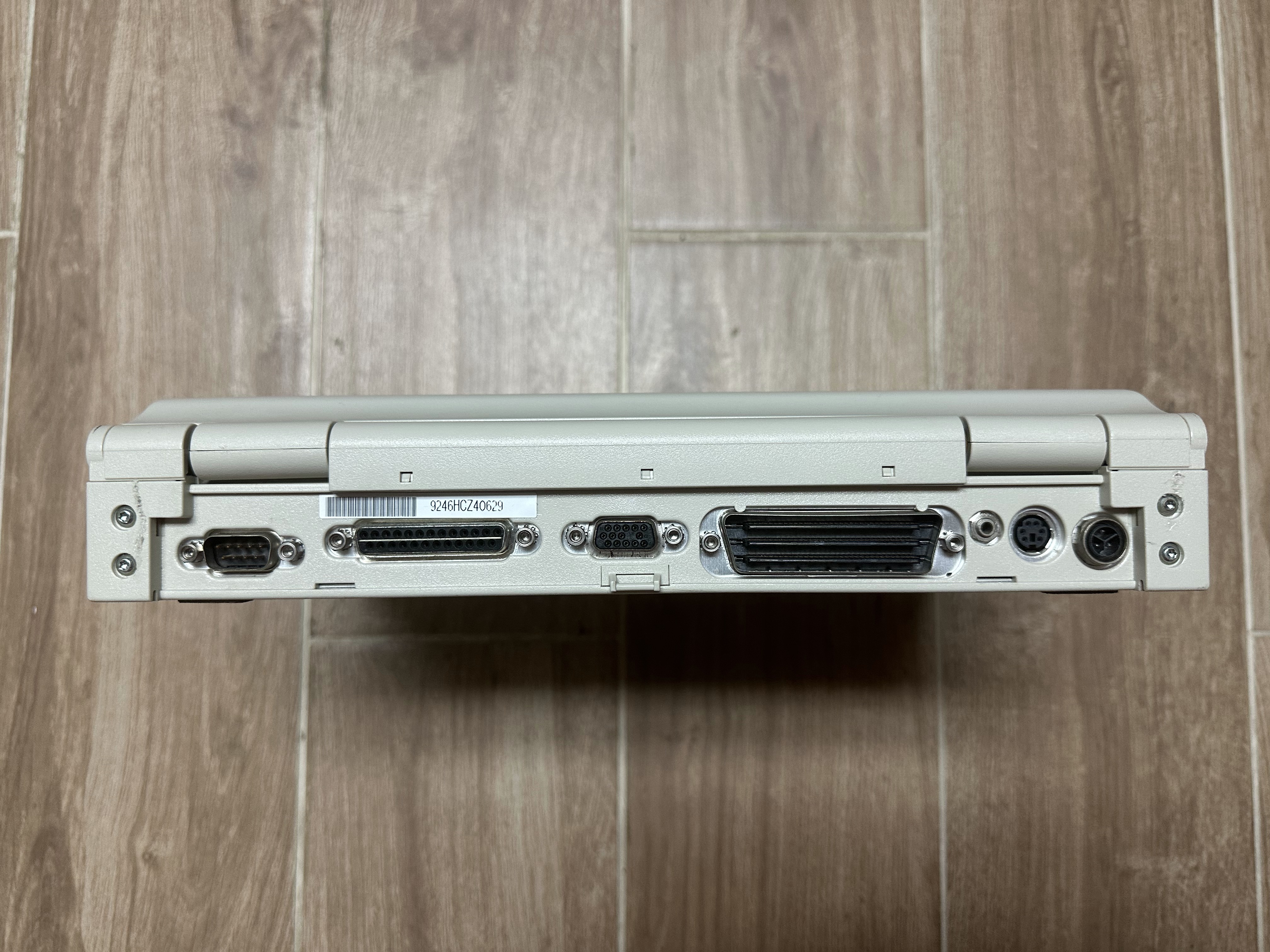
| Other I/O | - 1x Parallel - 1x Serial - 1x VGA Out - 1x PS/2 - 1x Dock Connector | |||||||
| BIOS | Compaq BIOS (Has ROM Setup) | |||||||
| Pointing Device | None | Trackball | ||||||
Resources
| Link | Details |
|---|---|
 |
Compaq LTE Lite Drivers |
 |
Compaq LTE Lite User Manual |
 |
Compaq LTE Lite Maintenance & Service Guide (Second Edition) (June 1992) |
 |
Compaq LTE Lite 386 Series Product Brochure |
|
Compaq LTE Lite 486 Series Product Brochure |
Common Faults & Maintenance
The LTE Lite Series laptops are generally unreliable today due to age and other factors. They are not the sort of laptop that you can just find working - ANY LTE Lite will need significant restoration work to get fully operational.
Capacitor Failure
The LTE Lites were produced from 1992 into early 1994. Electrolytic capacitors from this time are often highly prone to failing and leaking electrolyte. The main two offenders on the LTE Lites are the displays (on color models) and the power supplies. ANY display in a LTE Lite/25C, 4/25C, or 4/33C should be recapped on sight. Do not use the laptop with original caps on the display! This will cause corrosion to accelerate, and the displays in these are very fragile. Cap failure on its own will cause distortion/artifacting around objects on the screen, similar to how a passive matrix display looks normally. The bigger concern is when the cap goo corrodes the ribbon cables inside the display that travel from the display's PCB to the LCD panel itself. When this corrosion occurs, entire sections of the screen lose signal and go blank. If this happens, the display is very likely unrepairable, unless the issue was caused by a short circuit or bad trace rather than damage to one or more of the ribbons. This is why you shouldn't use one of these on original caps.
The LTE Lite 25/E and 4/25E shouldn't have any display capacitor problems, and I have no data on the passive matrix grayscale models.
As mentioned earlier, the power supplies also seem to often have cap issues. I'd definitely recommend recapping them just out of an abundance of caution, even when working. A common sign of power supply capacitor failure (besides a dead supply of course) is a supply that must be left to "warm up" for a few minutes before it will begin to work.
Brittle Plastic and Hinge Failure
The LTE Lite plastics are all very brittle today due to age, as is nearly universal across 90s laptops. This leads to all of them stress cracking around the display hinge mounts on both the base and the display housing. Epoxy will be required to reinforce these weak areas.
Battery Leaks and other battery-related issues
First, 386-based LTE Lites MUST have a working CR2430 CMOS Battery to boot. Without one, they will act completely dead (no power). They will boot off the docking station, but not a battery or the AC adapter. 486-based LTE Lites do not have this issue.
All LTE Lites have three batteries - the main battery (NiCad or NiMH), the CMOS battery (CR2430 Lithium), and the suspend/reserve battery (NiCad). The most dangerous of these is that reserve battery, as it is located inside the laptop and can easily damage critical components when it leaks (and these batteries leak very often). The main battery can also cause damage if it leaks.
Hard Drive Failure and other issues
A large number of LTE Lites shipped with hard drives manufactured by Conner Peripherals, which nearly never work nowadays due to a rubber bumper inside the headstack that goes sticky, getting the heads stuck. These can often be repaired just by placing tape over the bumper.
Beyond this, I have to give a large warning of caution about using IDE to CF card adapters in these. This is unconfirmed due to conflicting information, but I've heard that using one in an LTE Lite can actually damage the hard drive controller. This information comes from exs1s on VOGONS. On the other hand though, someone on archive.org has a drive image uploaded specifically for getting these running on CF, and clearly they have theirs working fine with one. Until I have more information, I can only speculate that perhaps the reports of issues were a coincidence, or only affect a certain brand of CF adapters. Not sure.
Floppy Drive Failure
The LTE Lite's floppy drive is belt-driven, and the belts they use always go bad with age and fail. The drive is a Citizen V1D Series, and the W1D belt isn't compatible. I currently don't have a source for the proper belt.
LCD Tunnel Vision
The LTE Lite/25E and 4/25E are two of three PC laptops ever made to use Hosiden's TFT/Active Matrix Grayscale displays, with the only other laptops to use them being PowerBooks. These displays nearly always suffer from an issue called Tunnel Vision, which you can read more about on the linked page.
Gallery
The Laptops
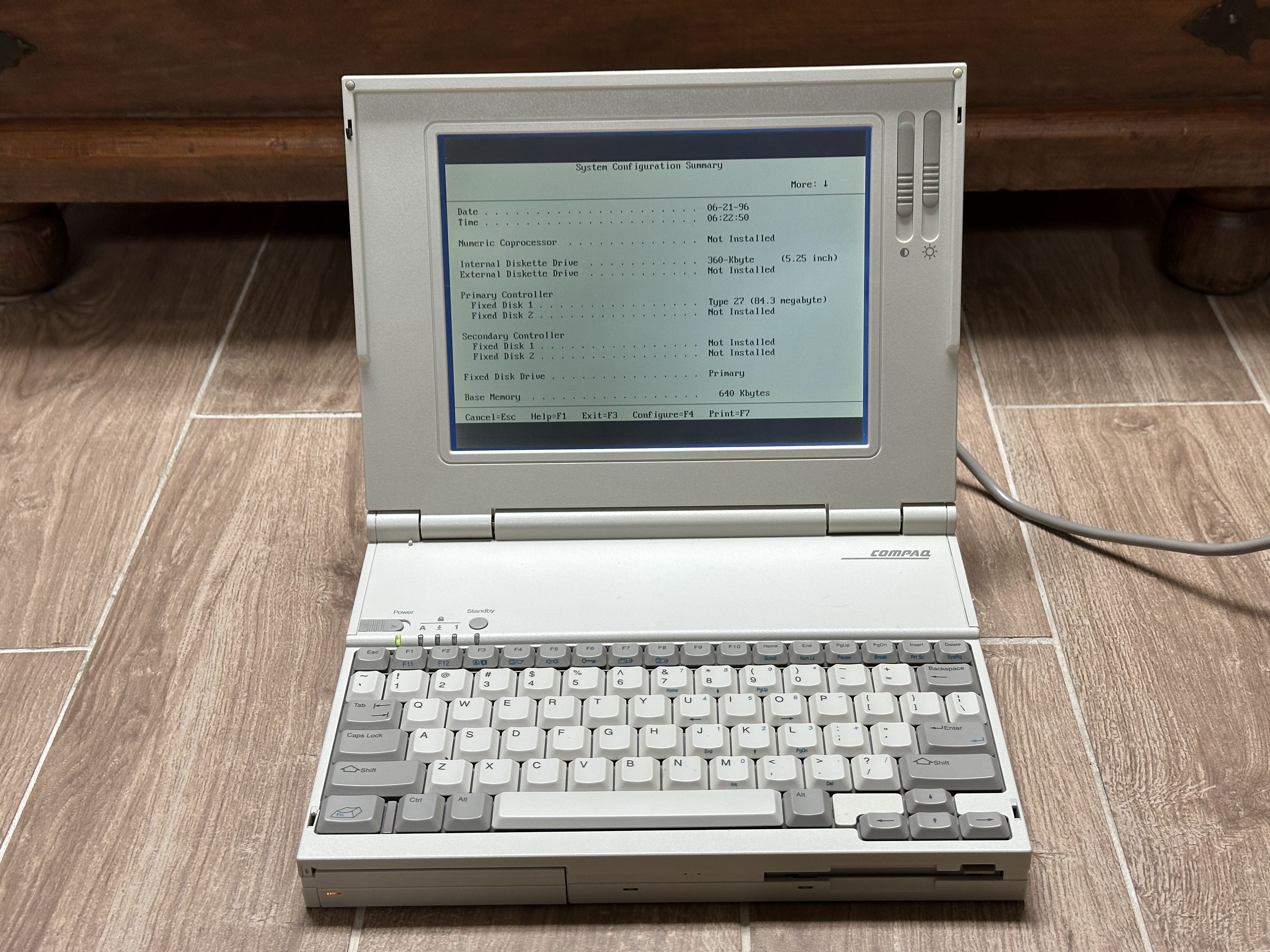
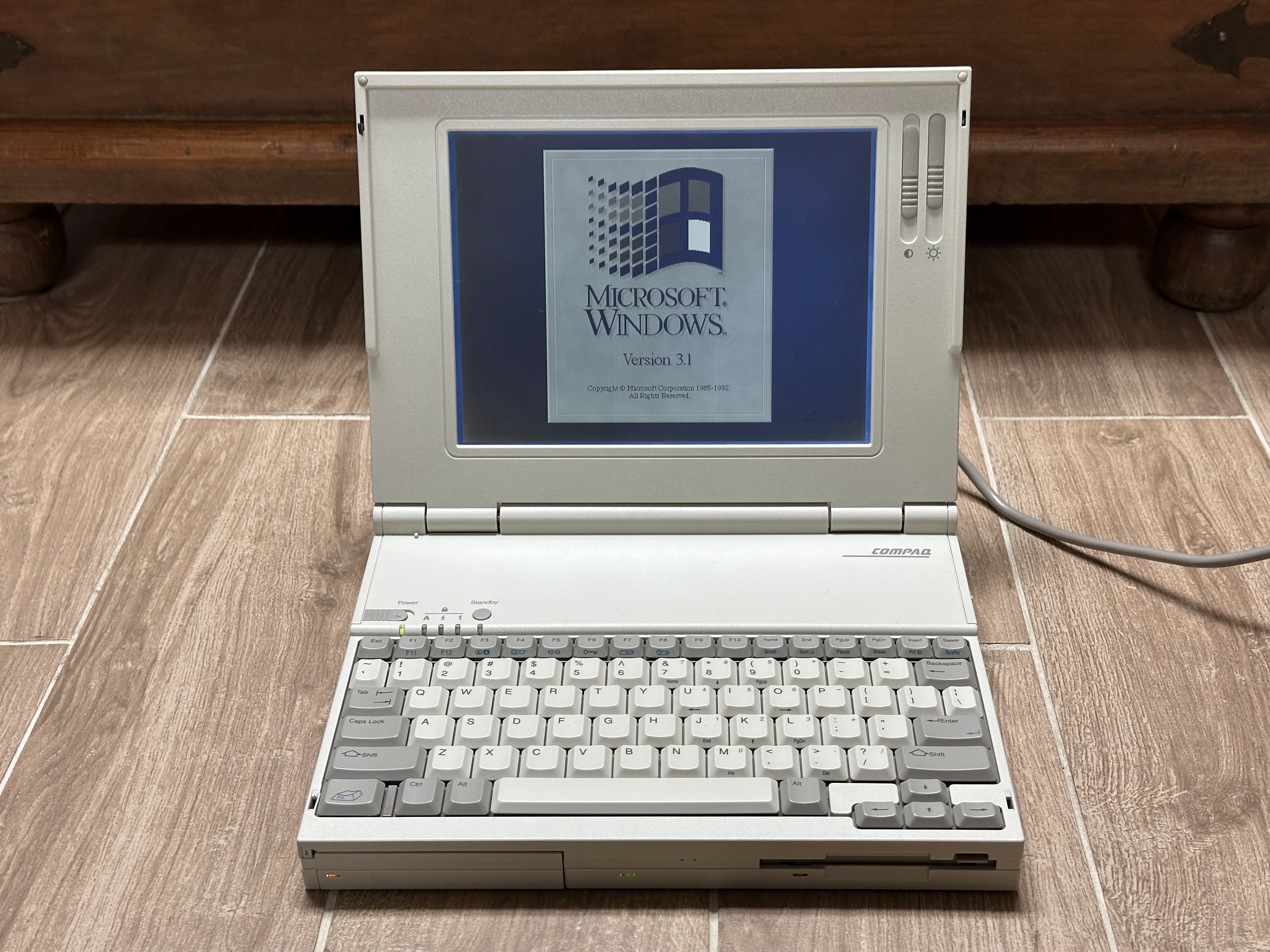
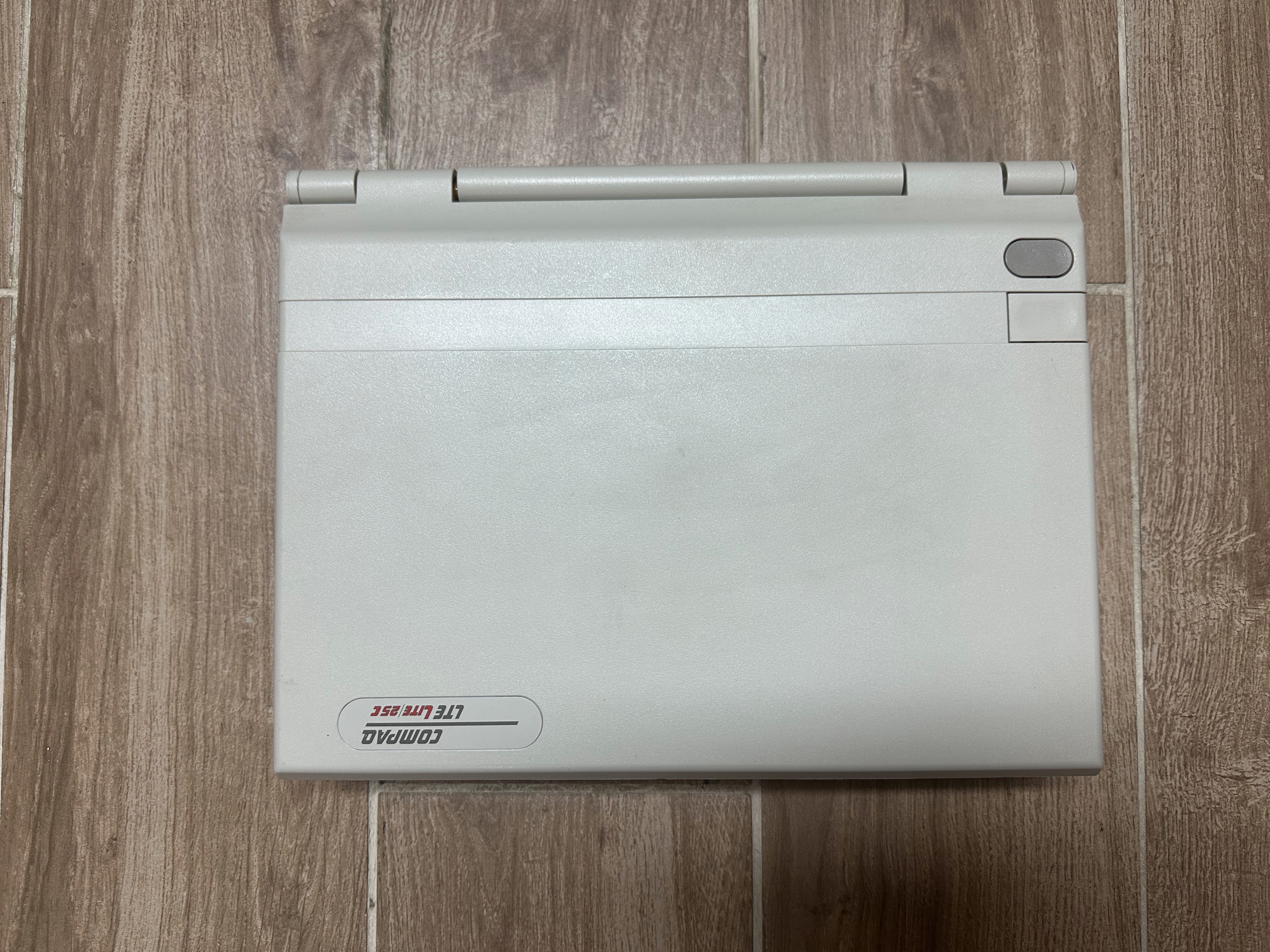
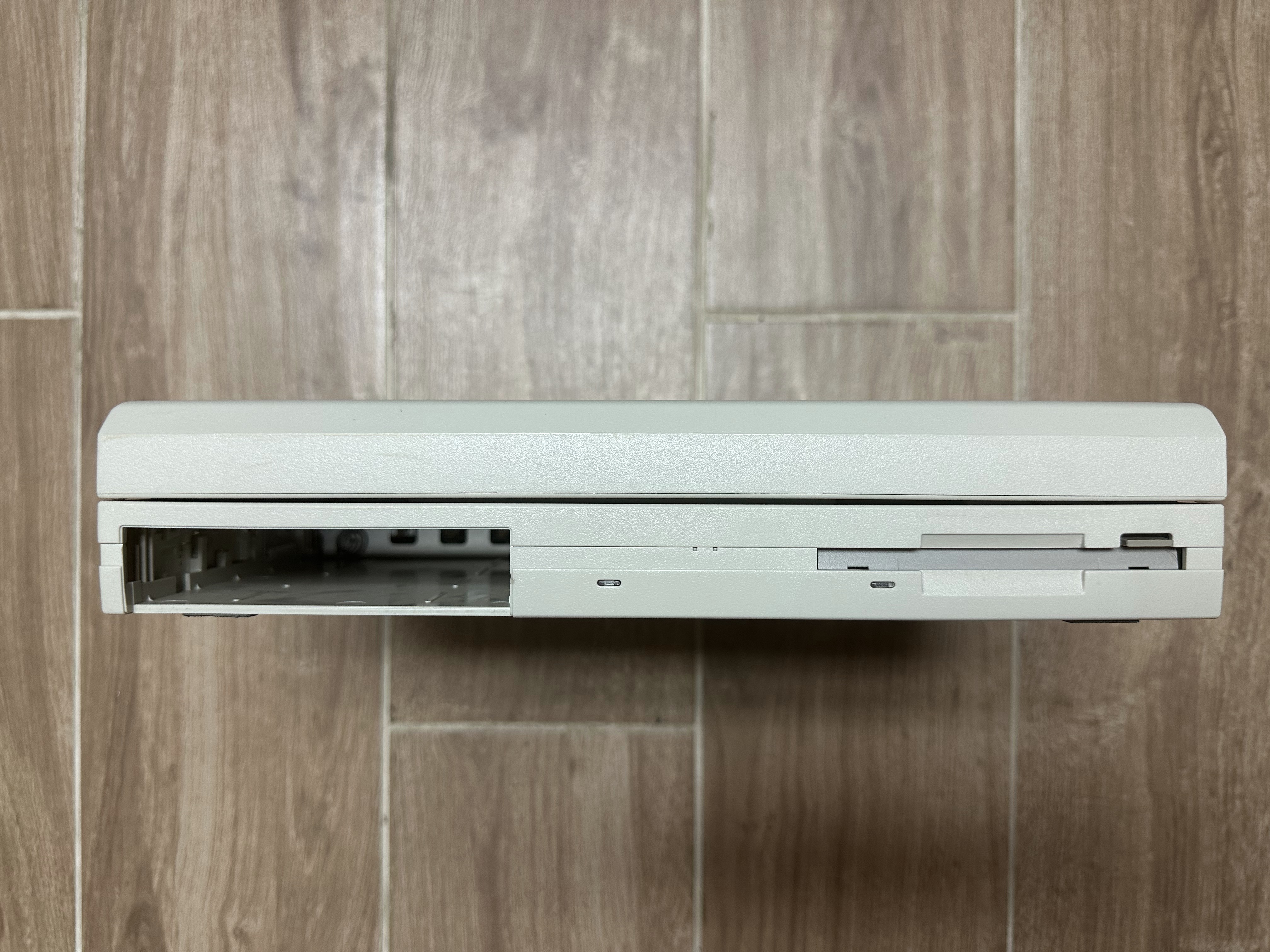
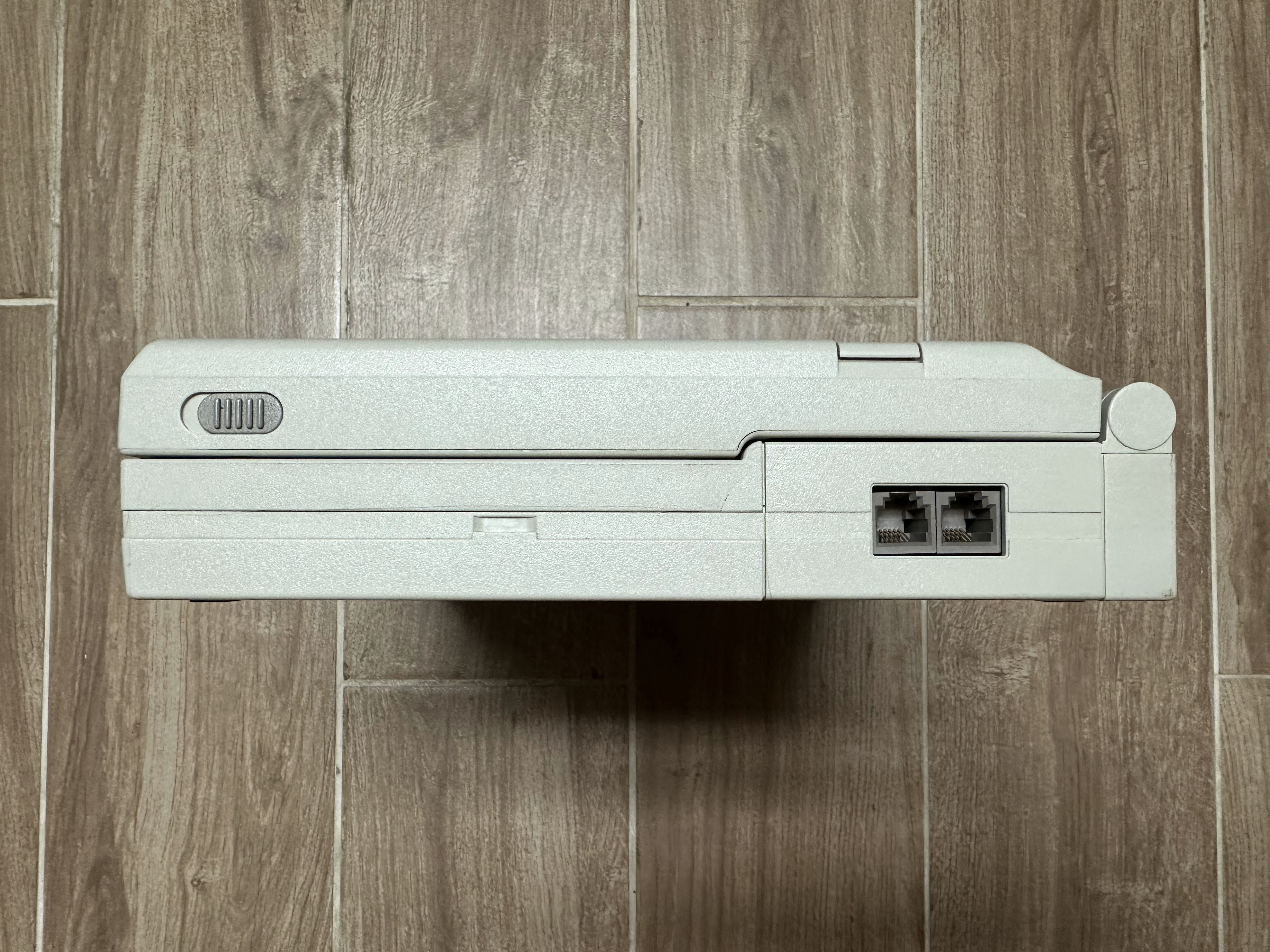
I currently have photos of the Lite/25, Lite/25C, Lite 4/25E, and Lite 4/33C. If you own another model in the series and can send me photos of it, please reach out!
No ImageLite/20 |
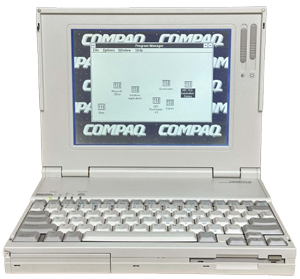 Lite/25 |
No ImageLite/25E |
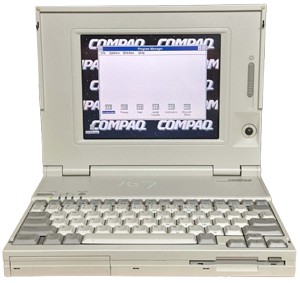 Lite/25C |
|---|---|---|---|
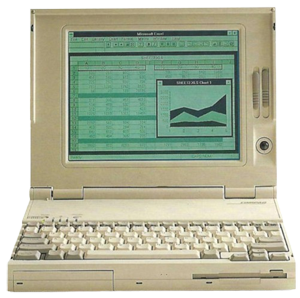 Lite 4/25 |
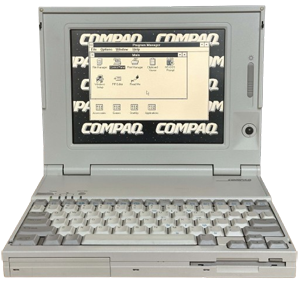 Lite 4/25E |
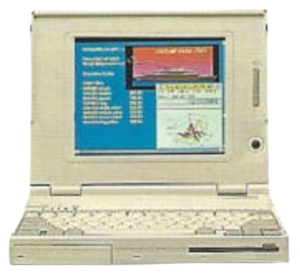 Lite 4/25C |
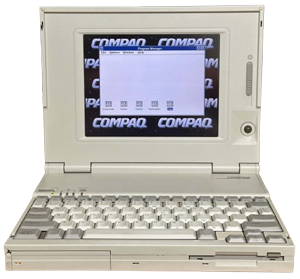 Lite 4/33C |
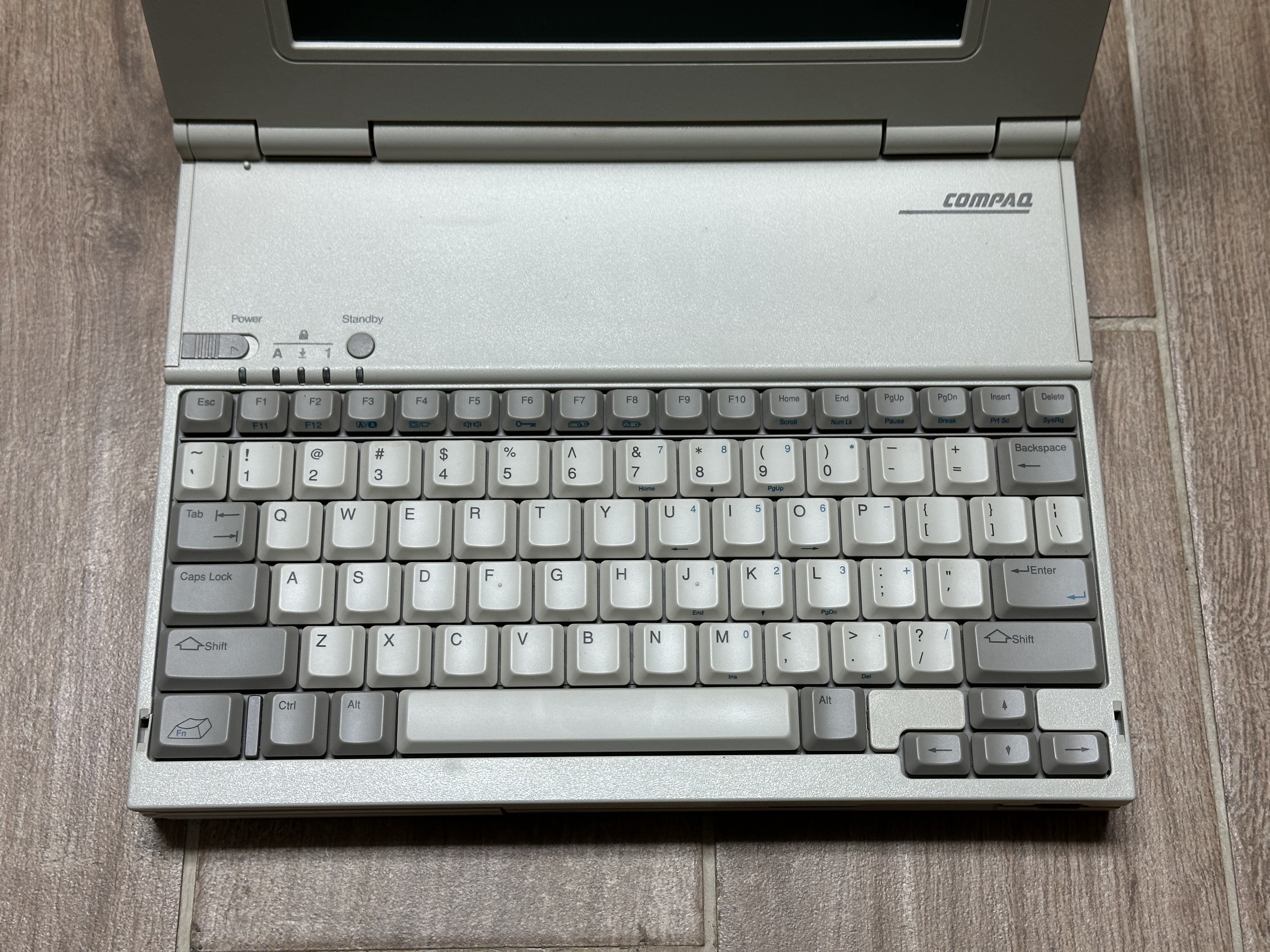
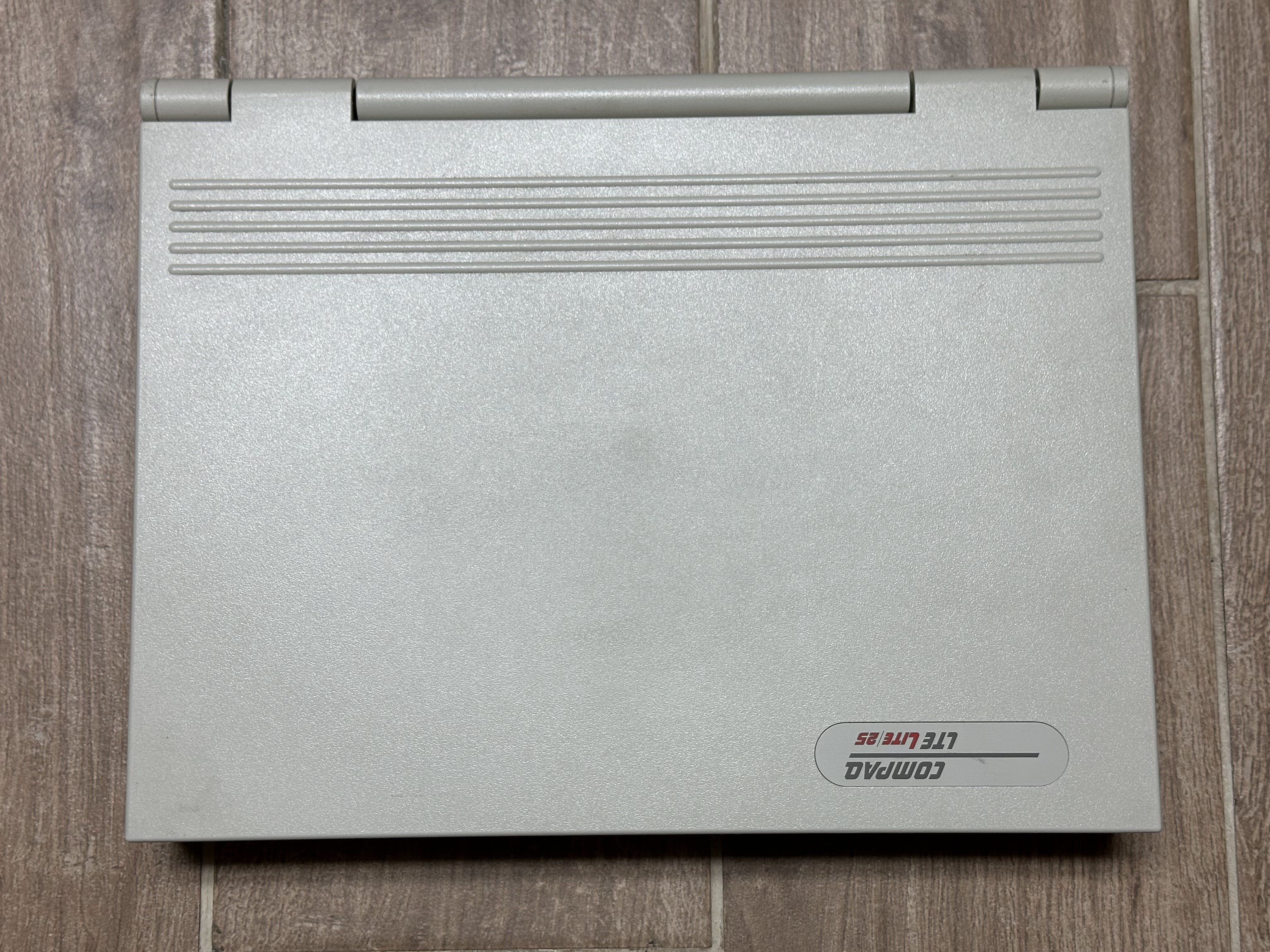
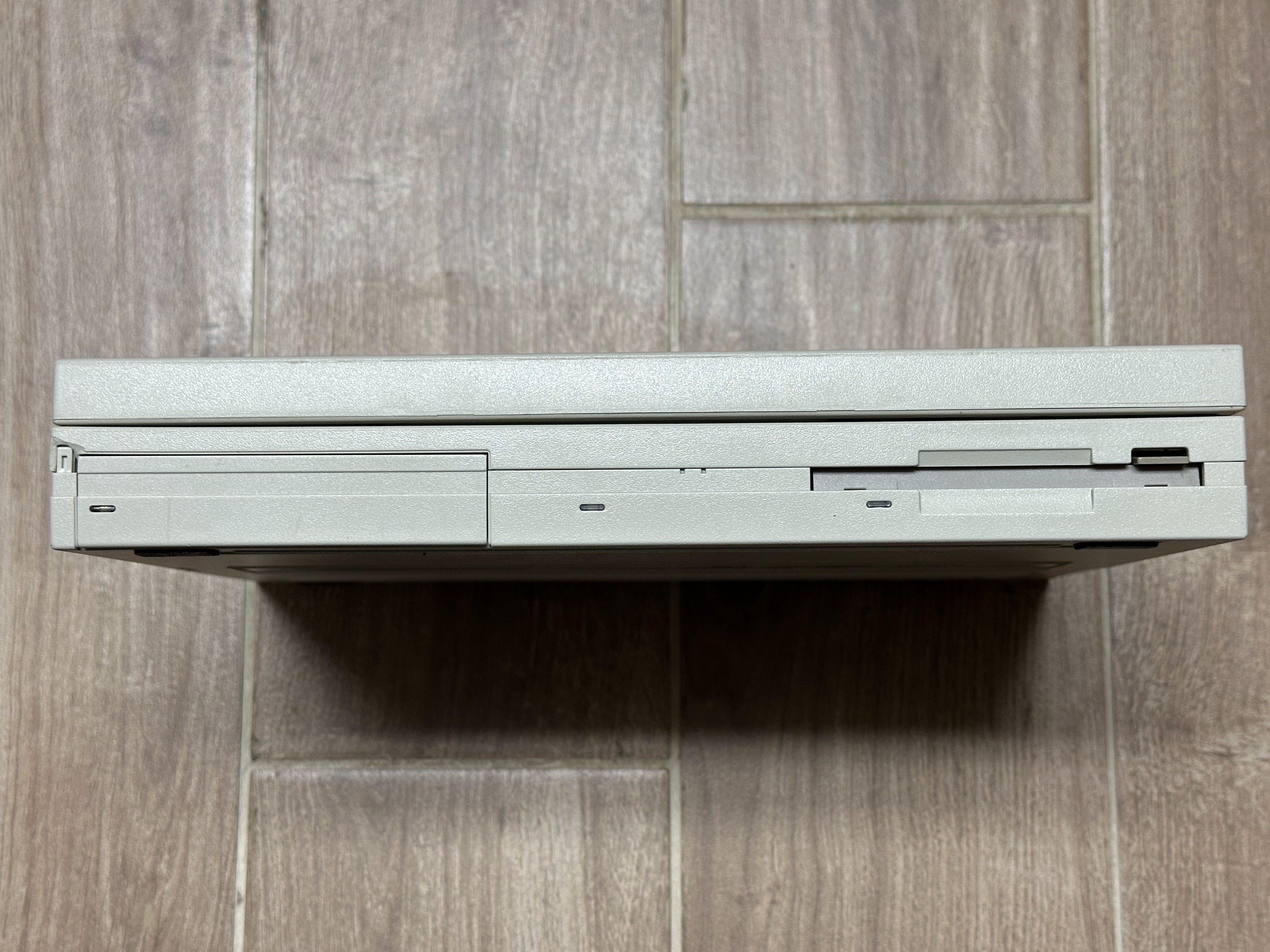
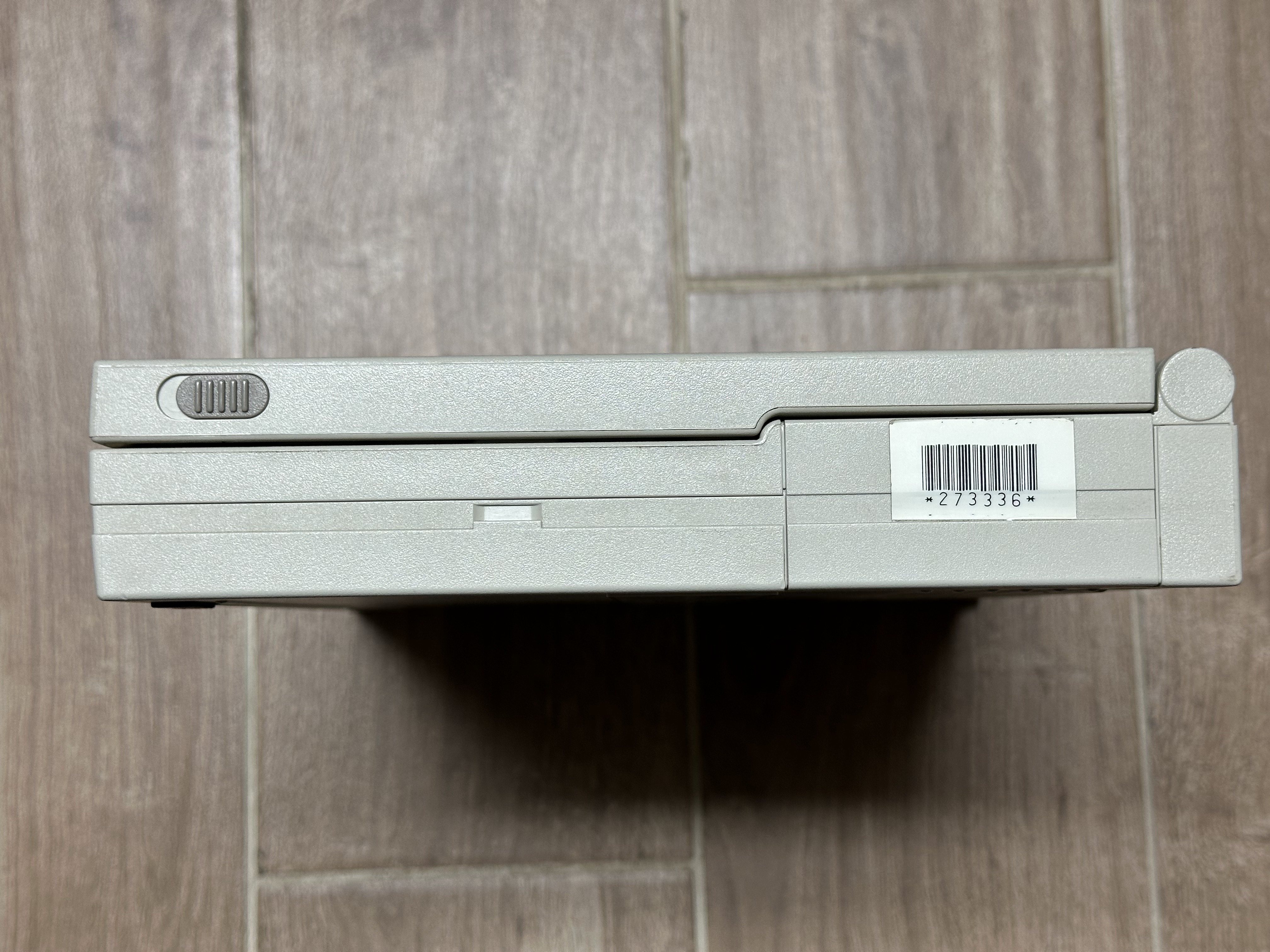
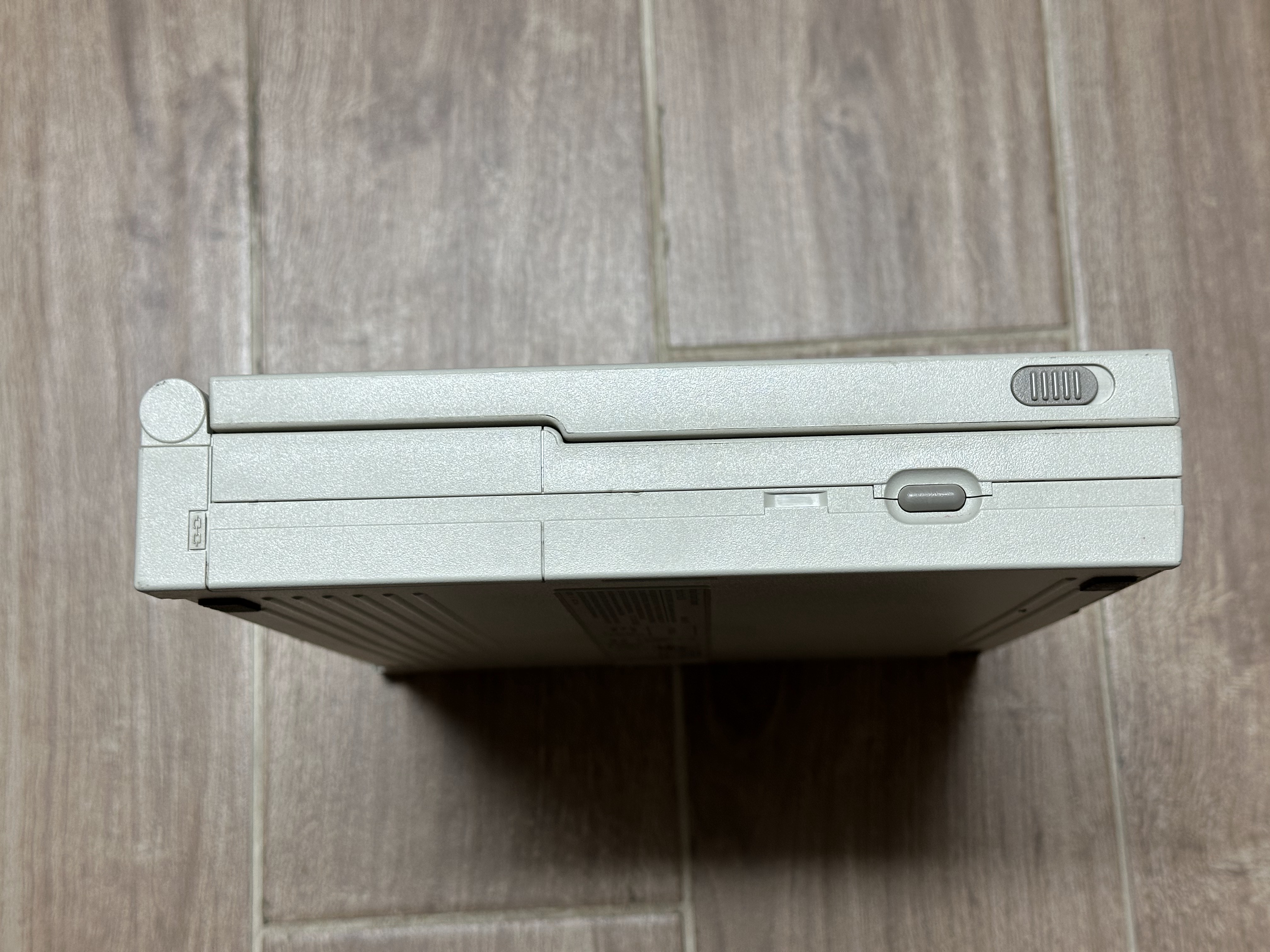
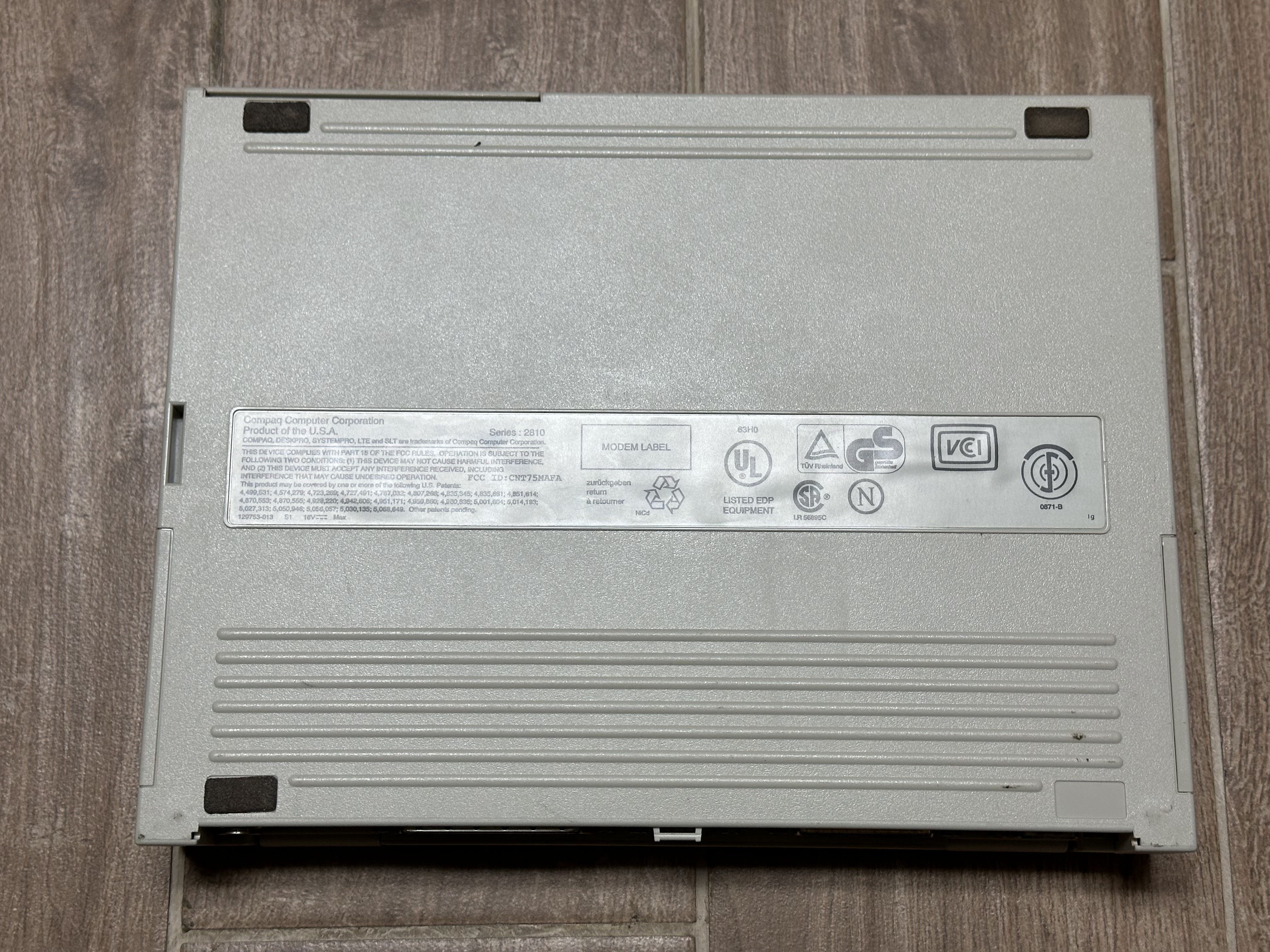
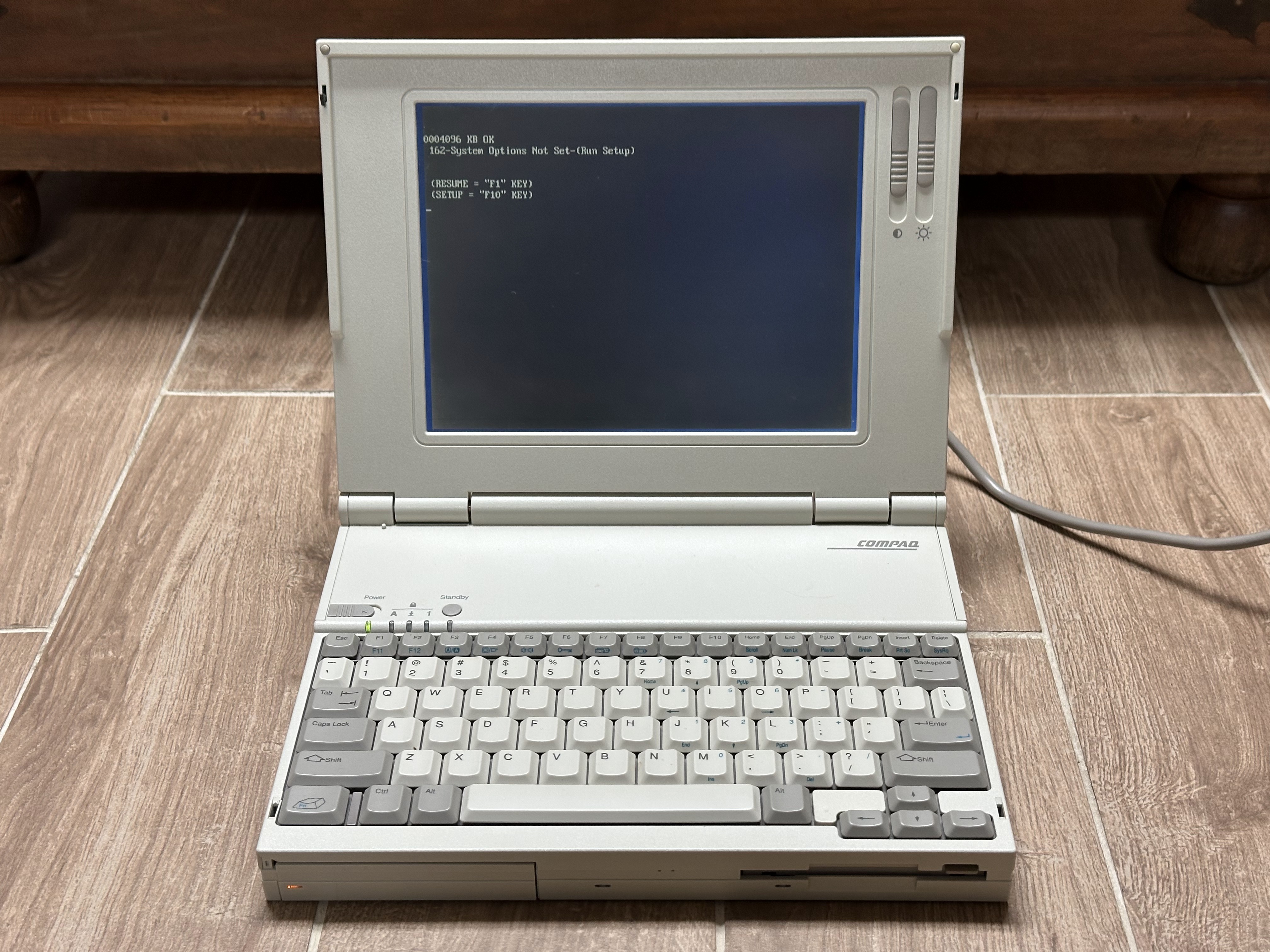
Compaq LTE Lite/25
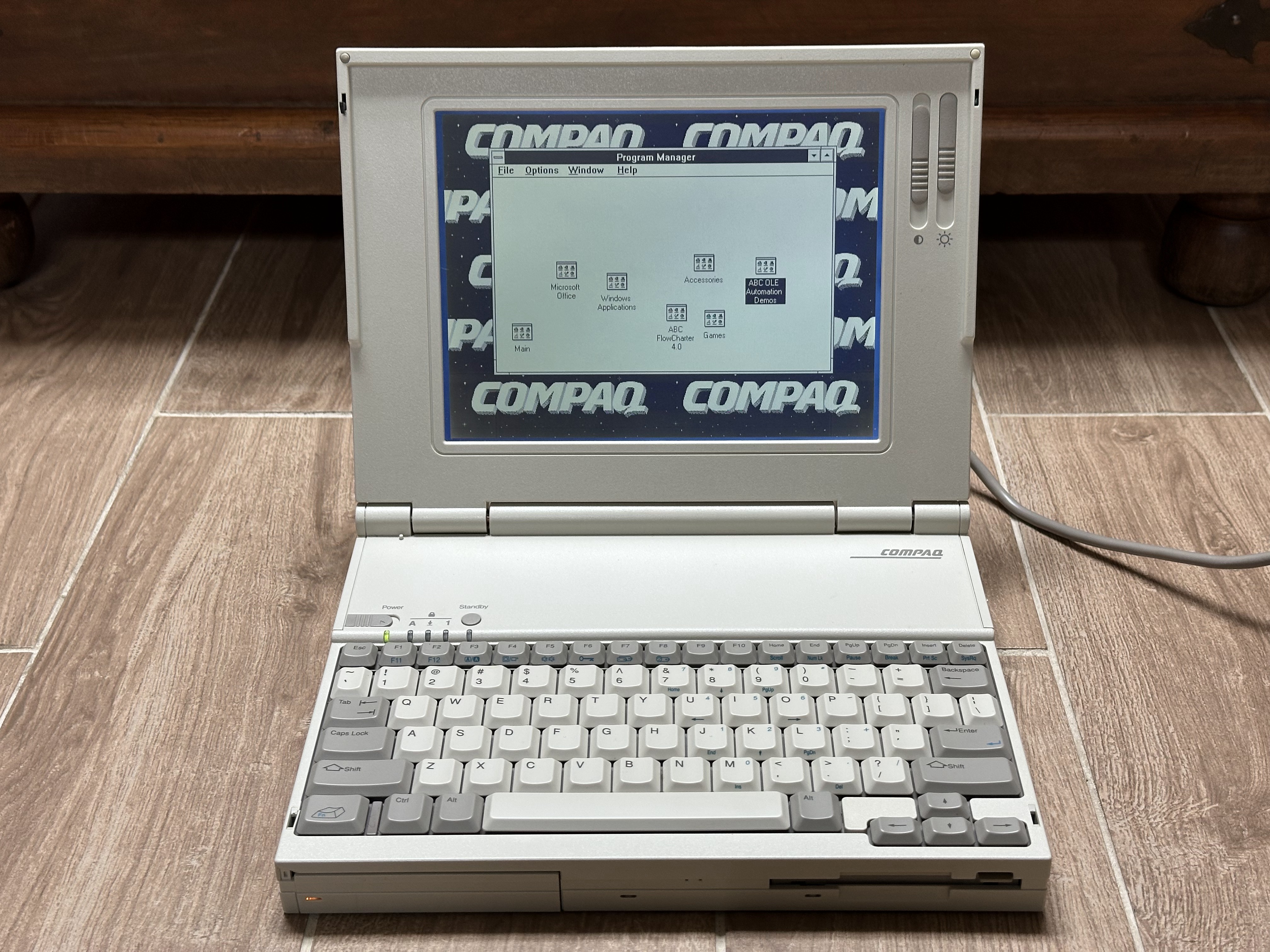
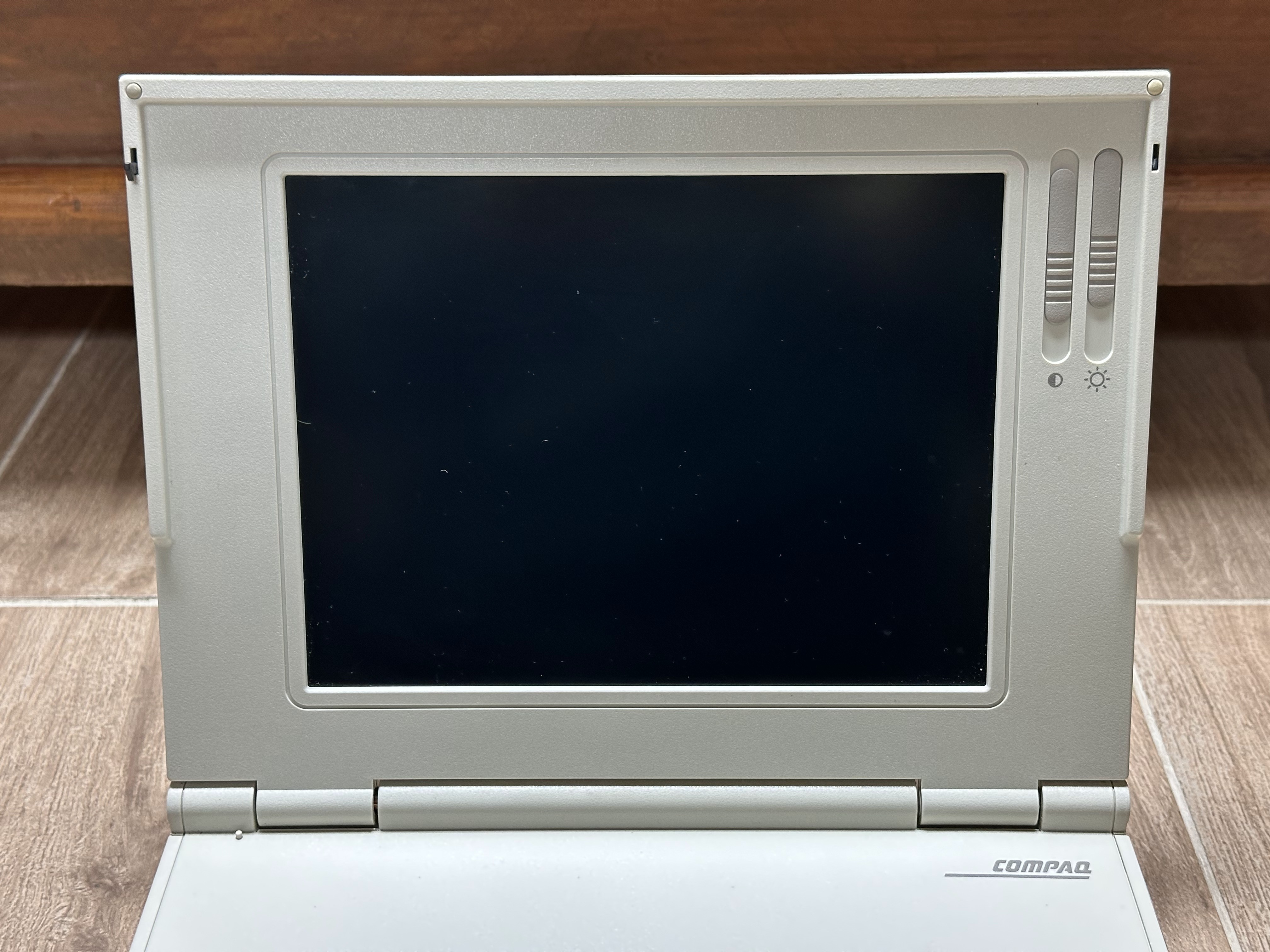
Compaq LTE Lite/25C
As you can tell in a couple of the photos, this unit is starting to develop vinegar syndrome.
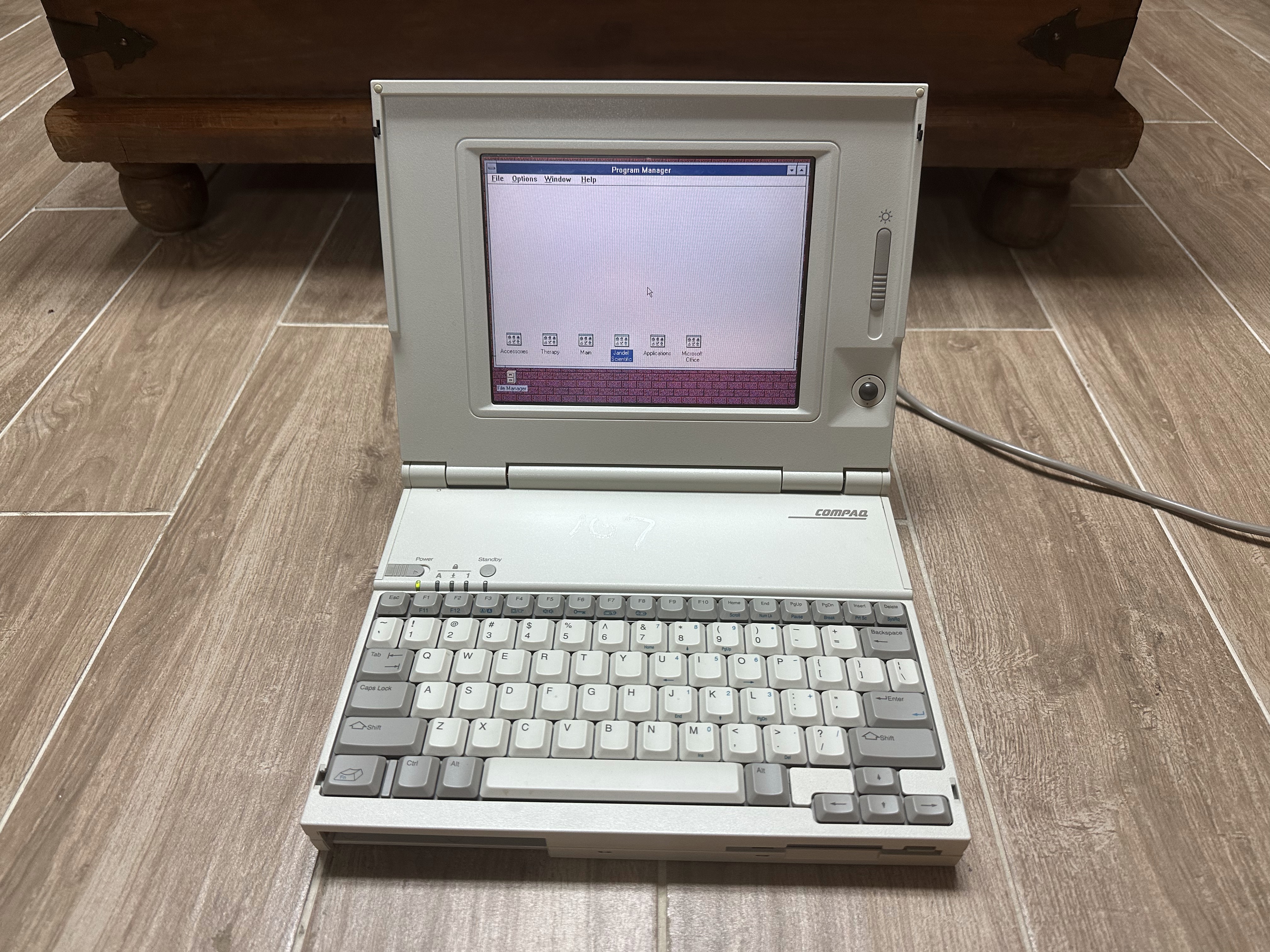
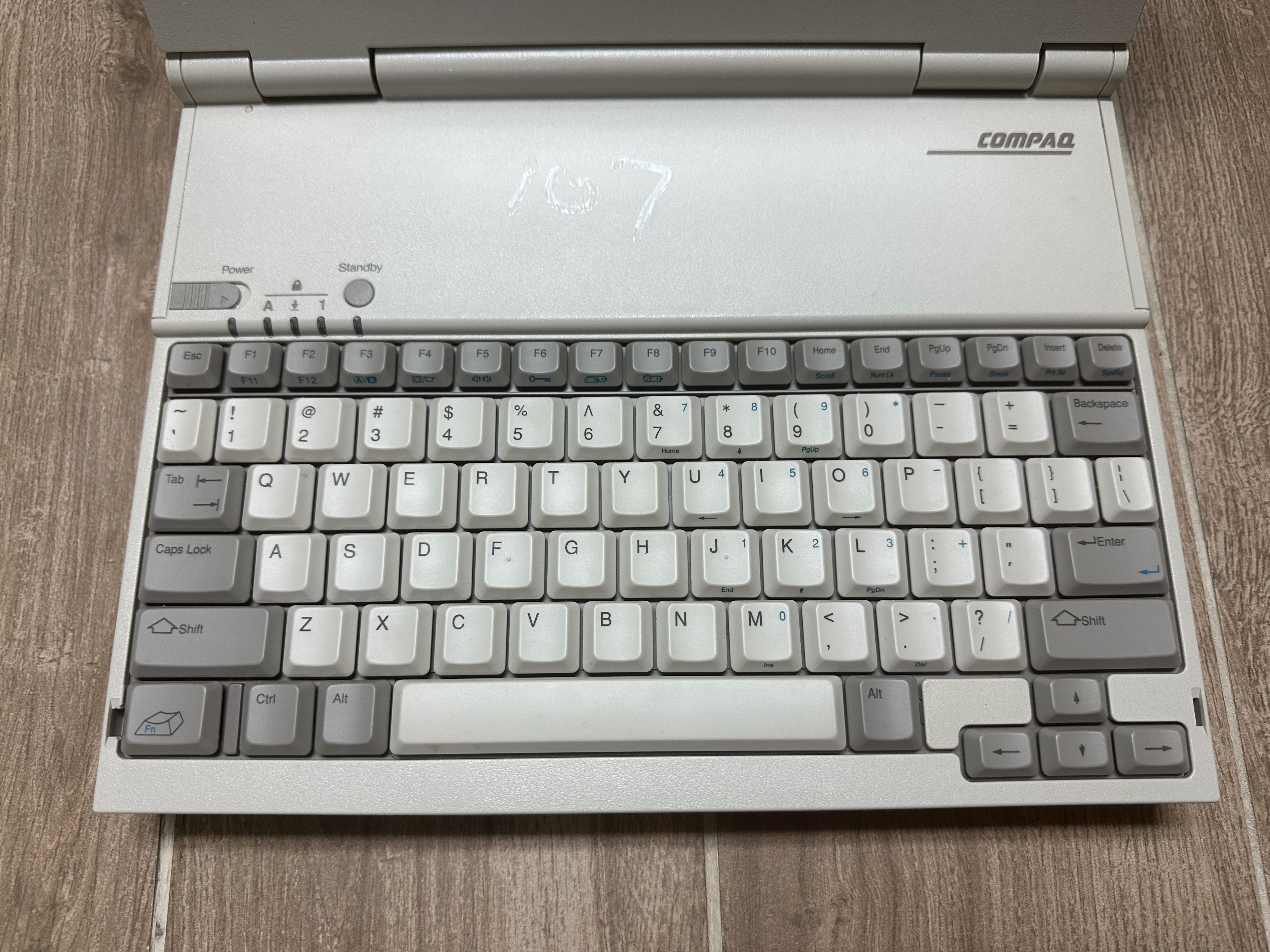
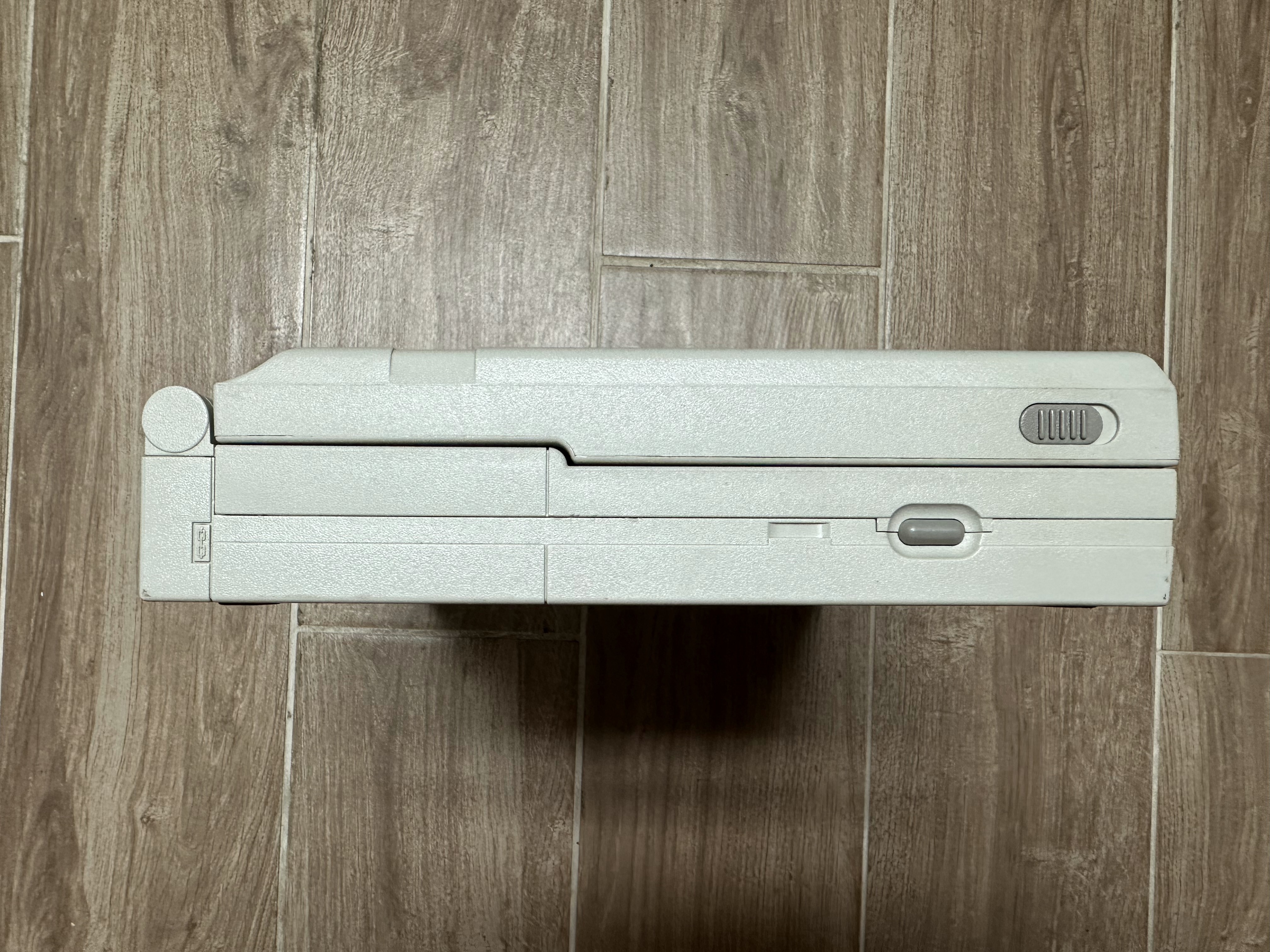
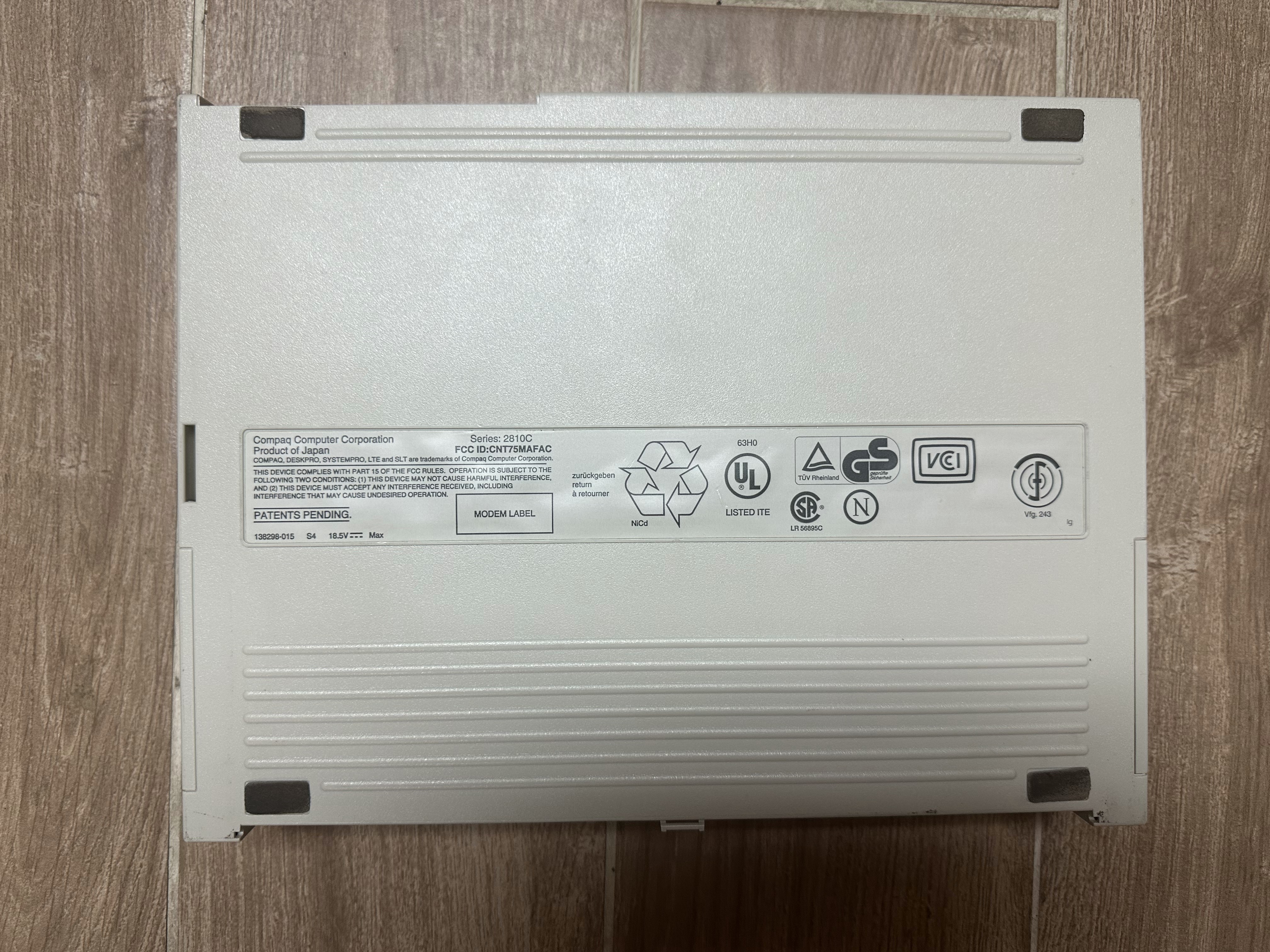
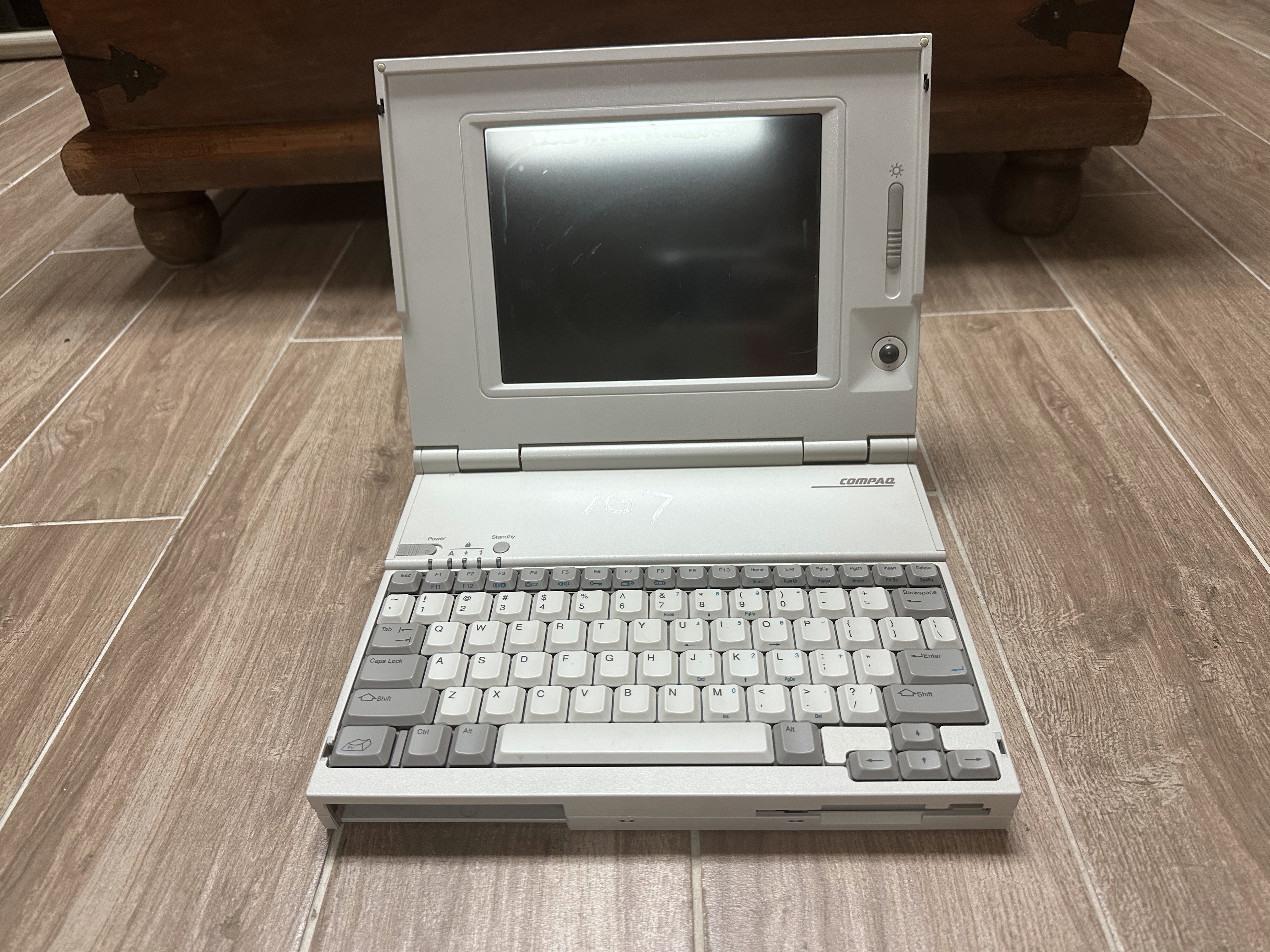

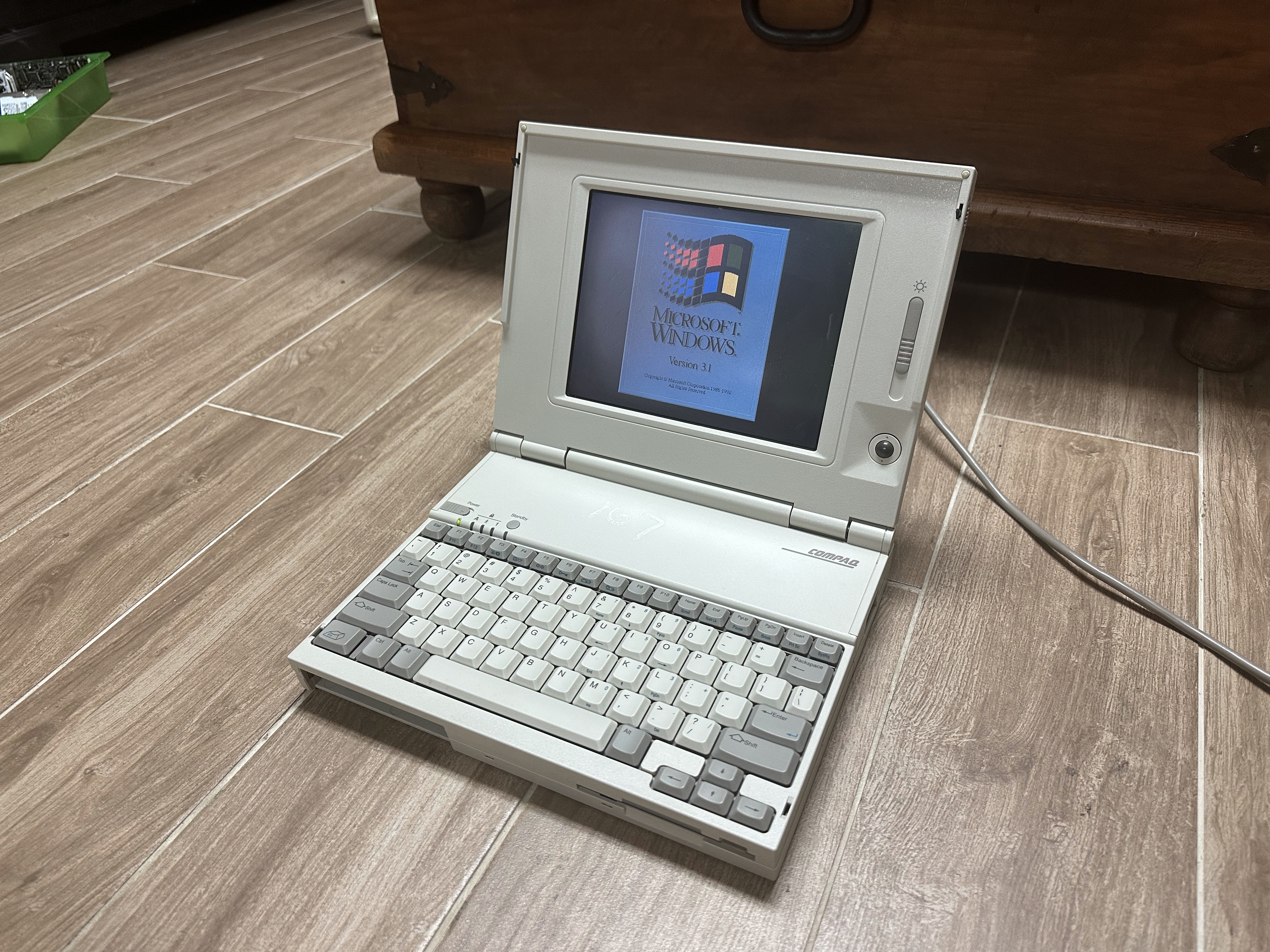
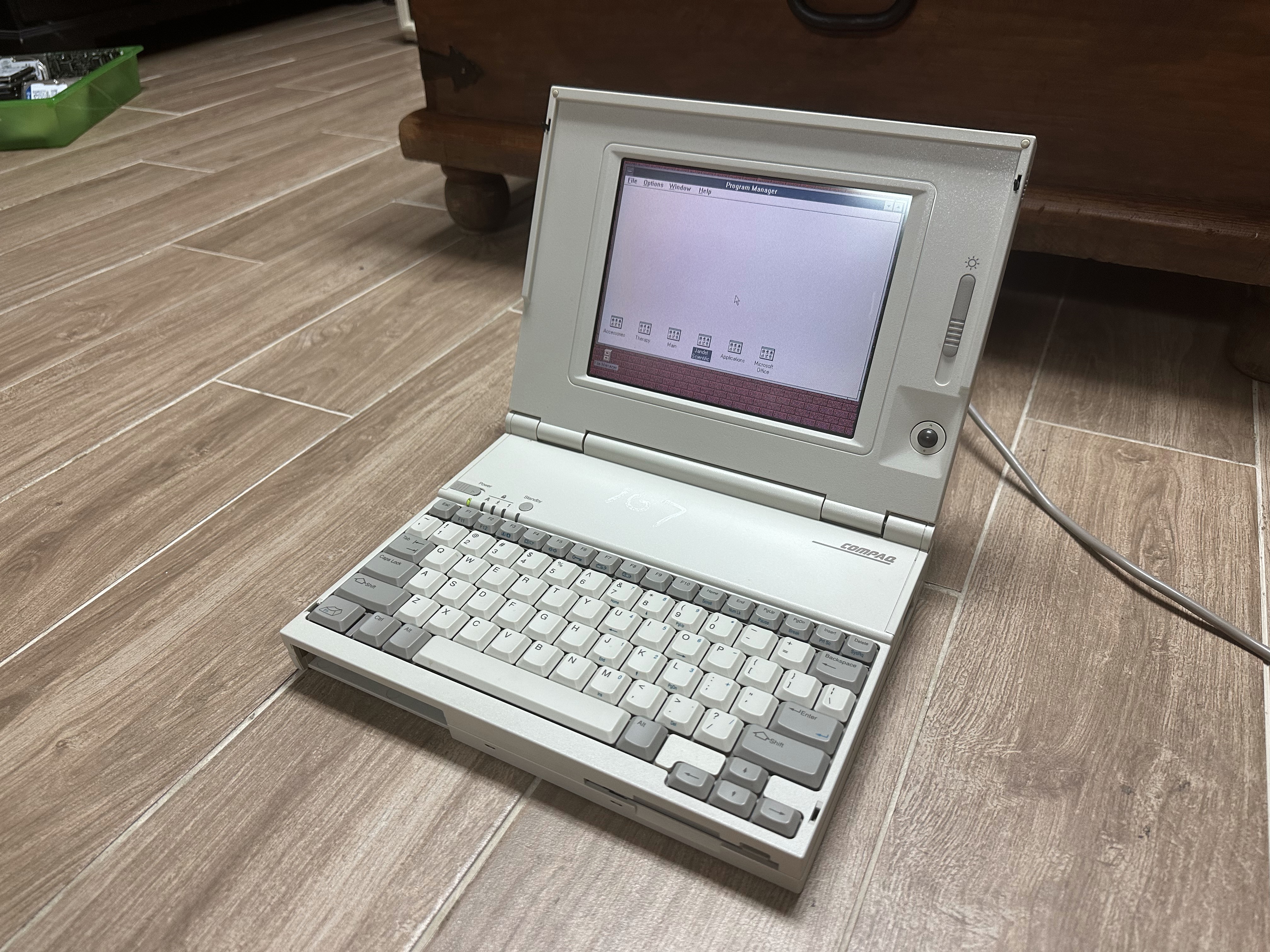
Compaq LTE Lite 4/25E
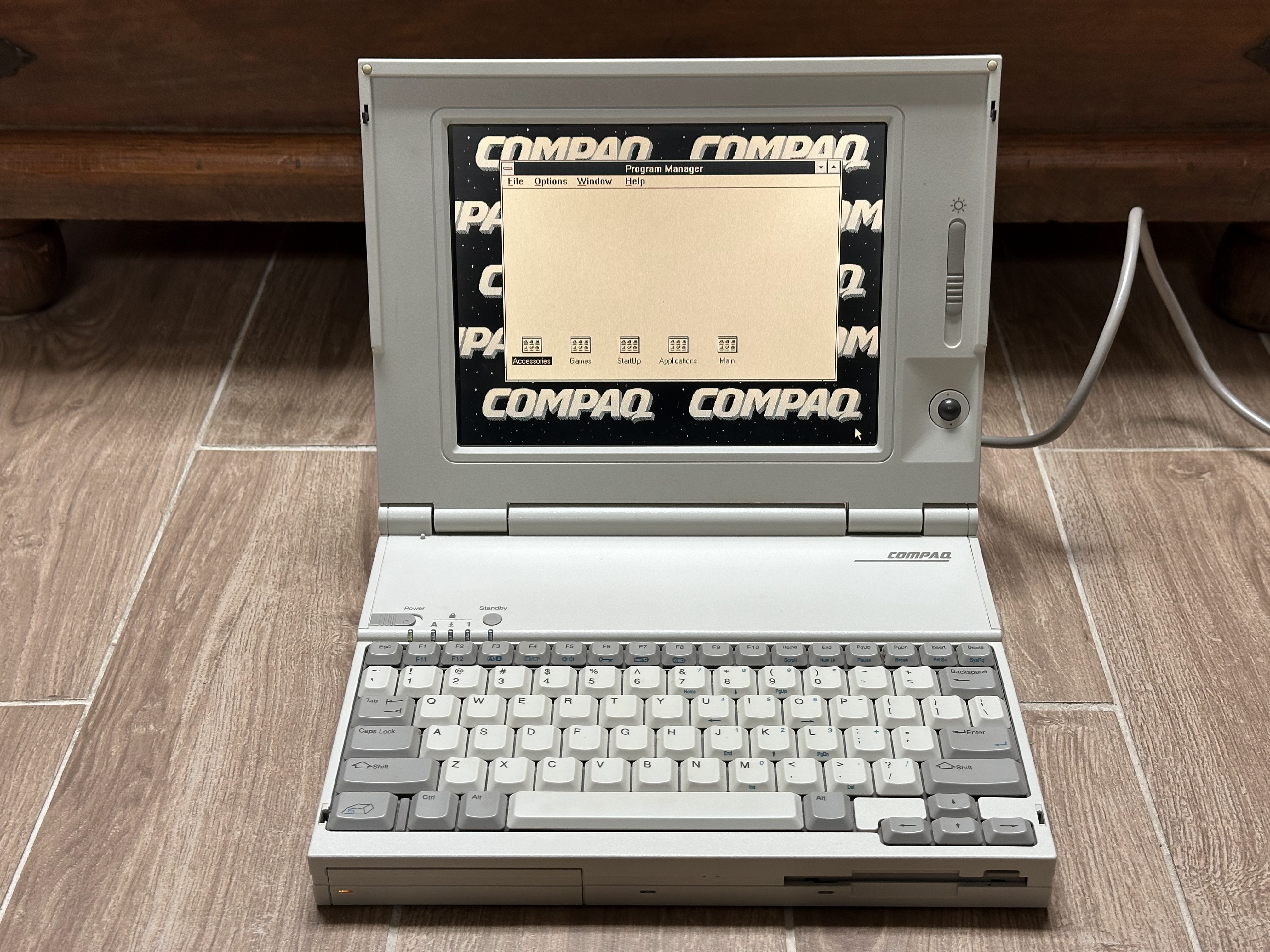
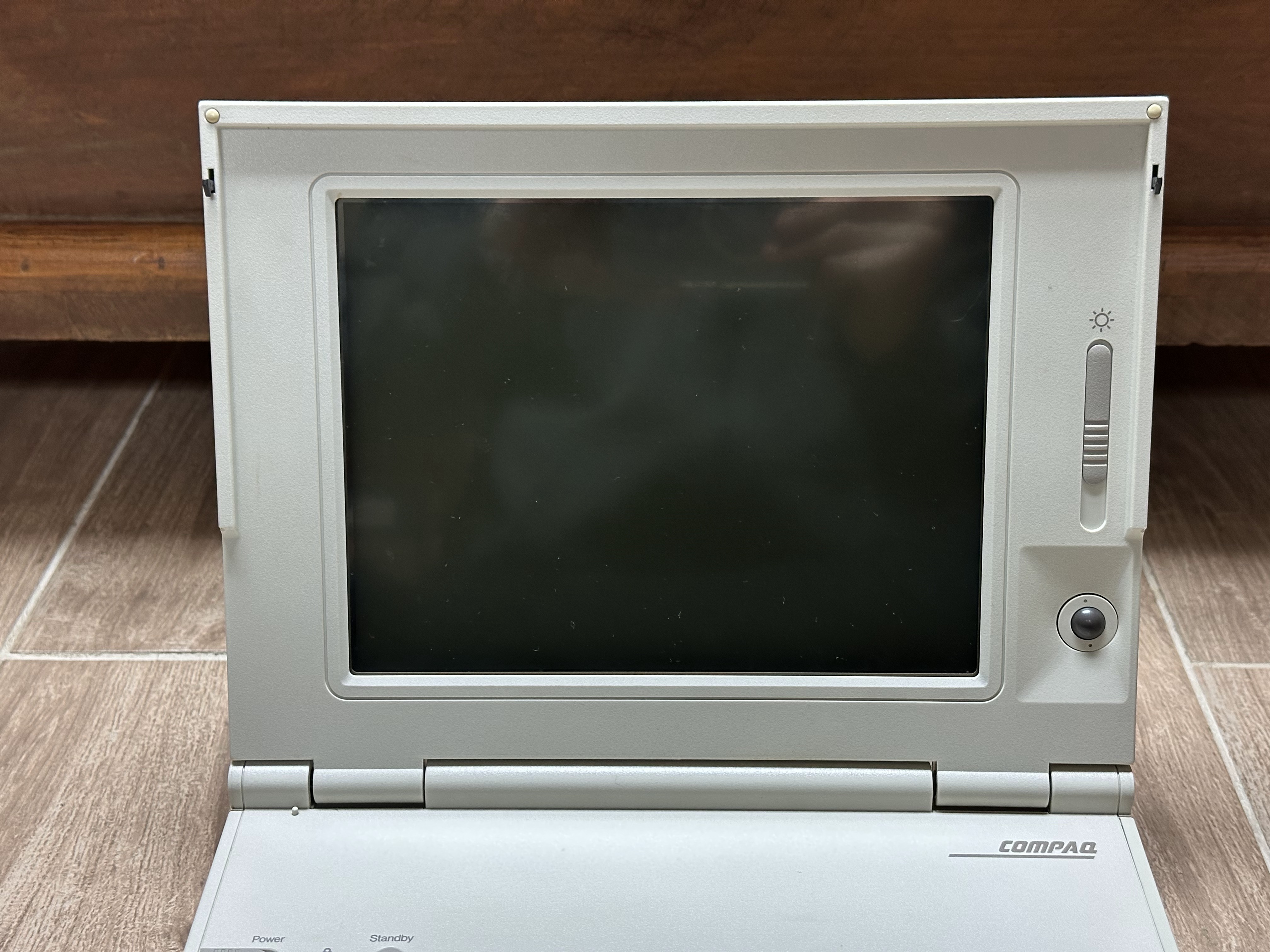
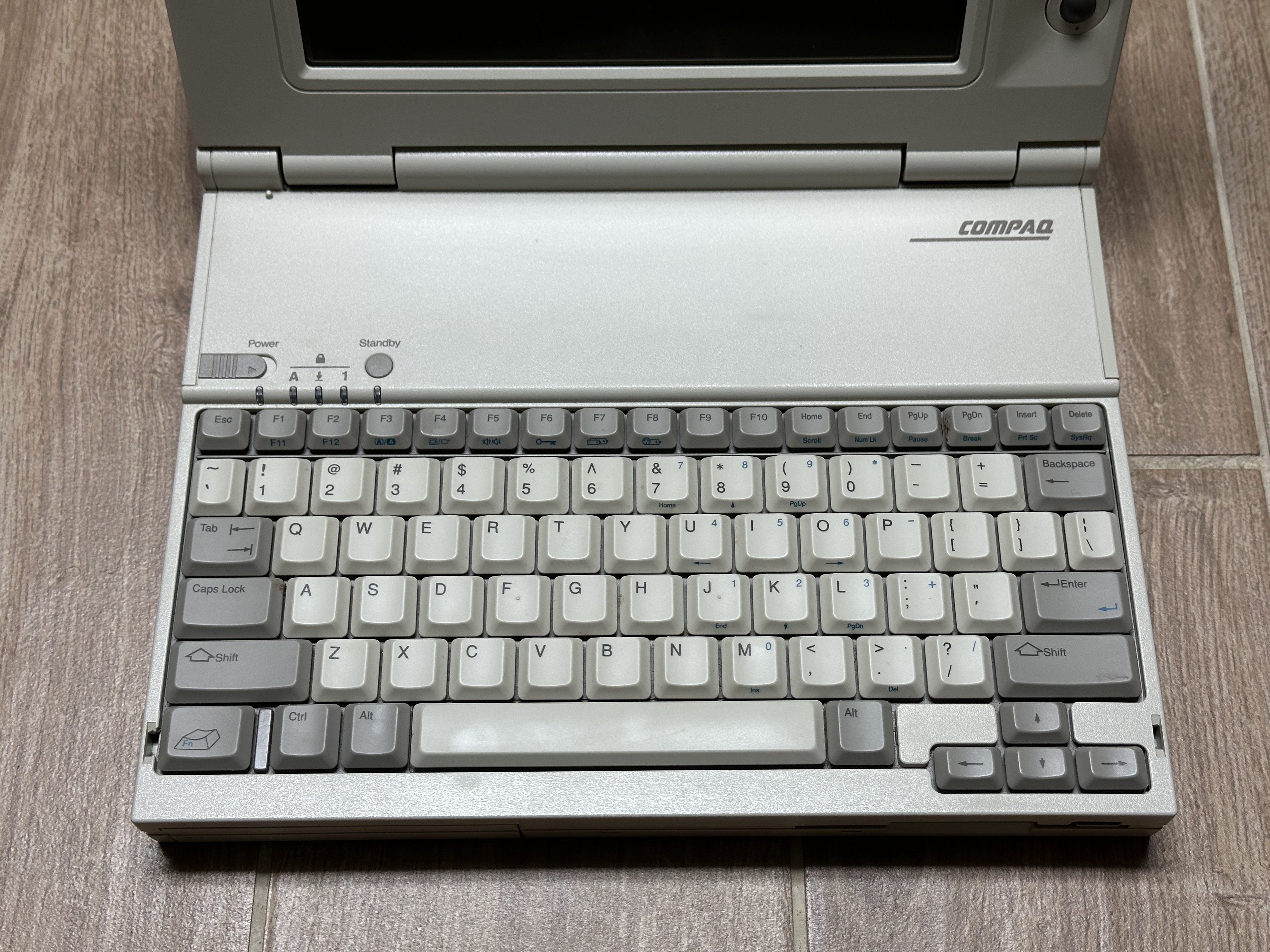
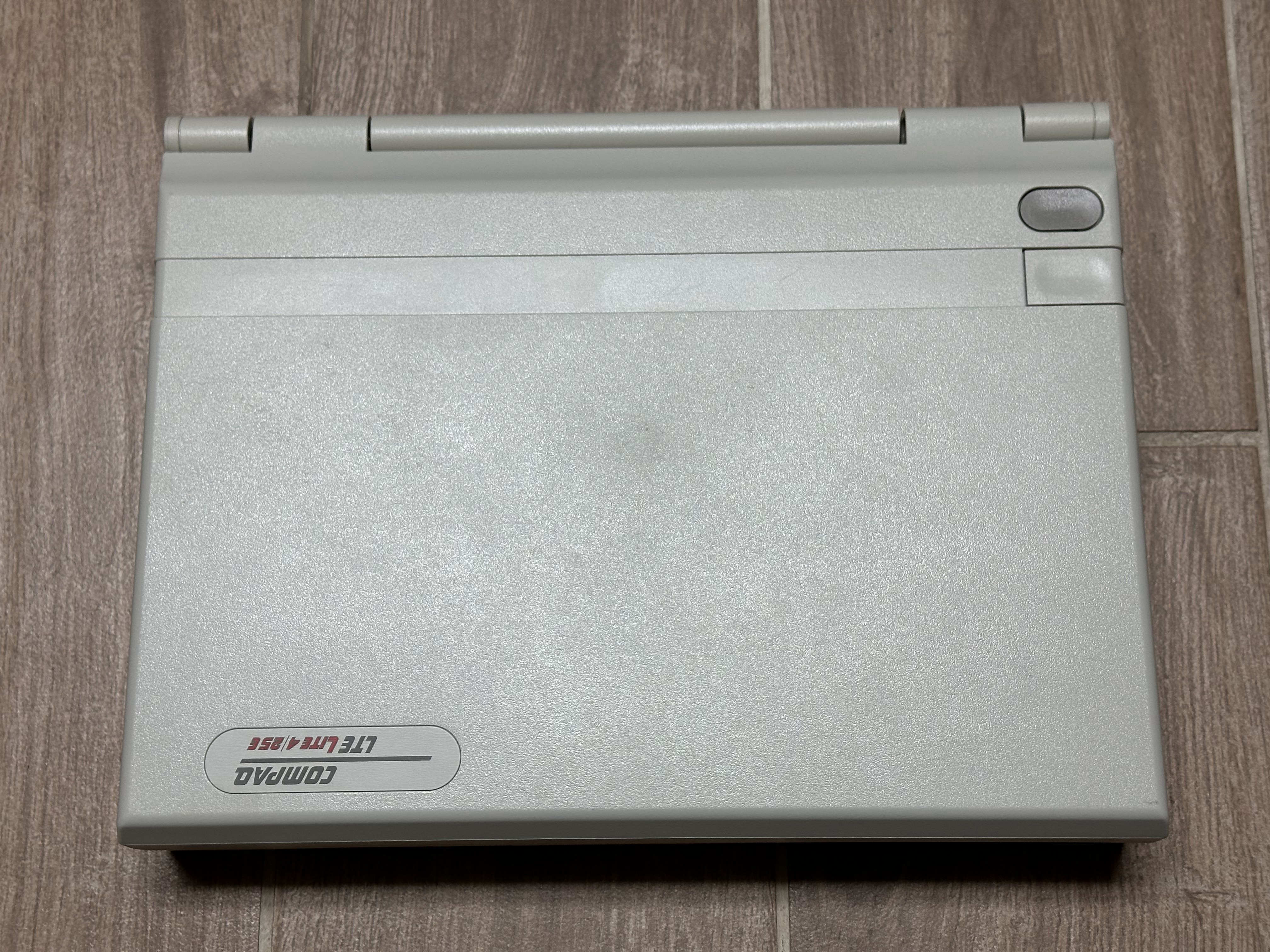
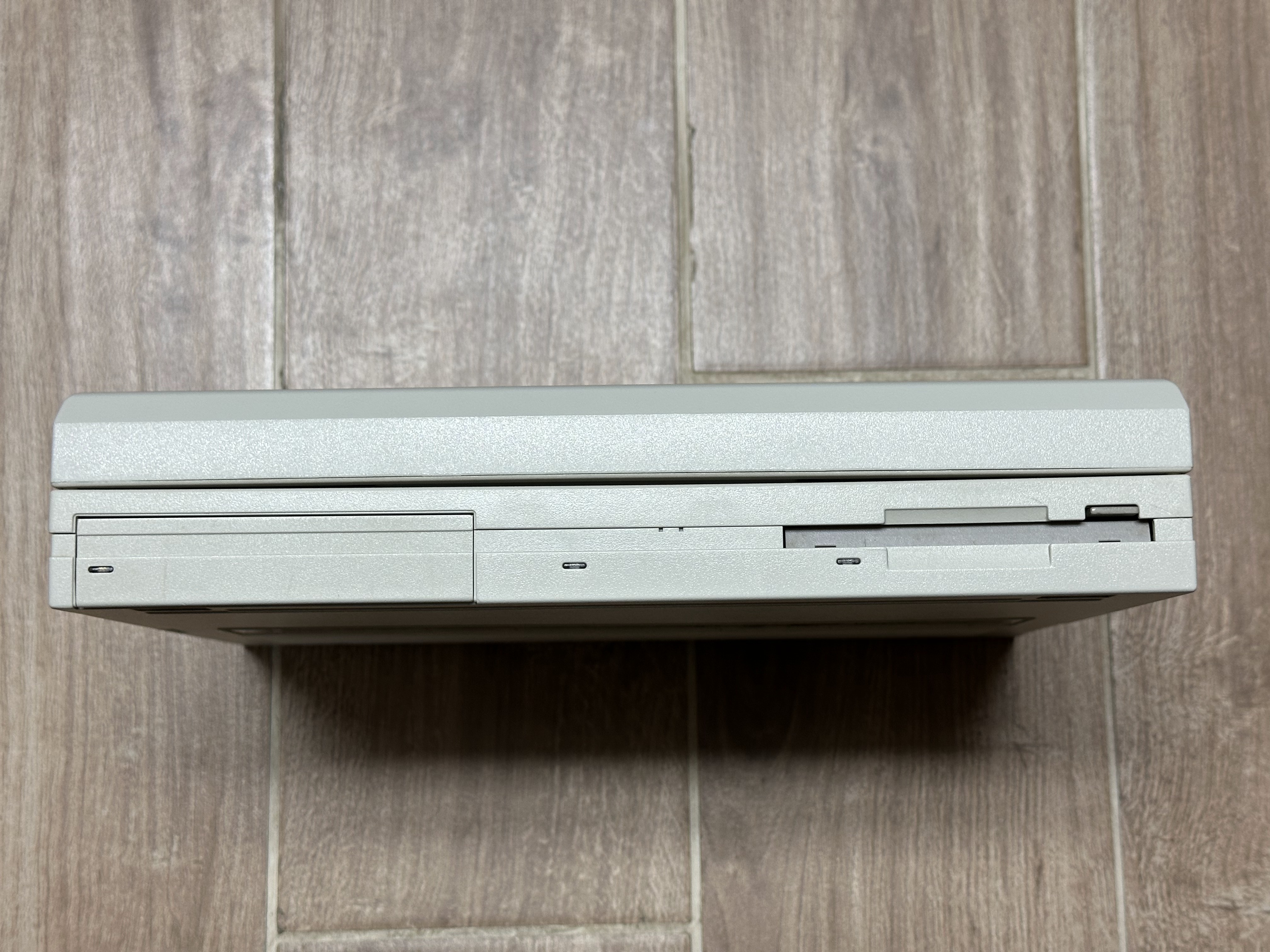
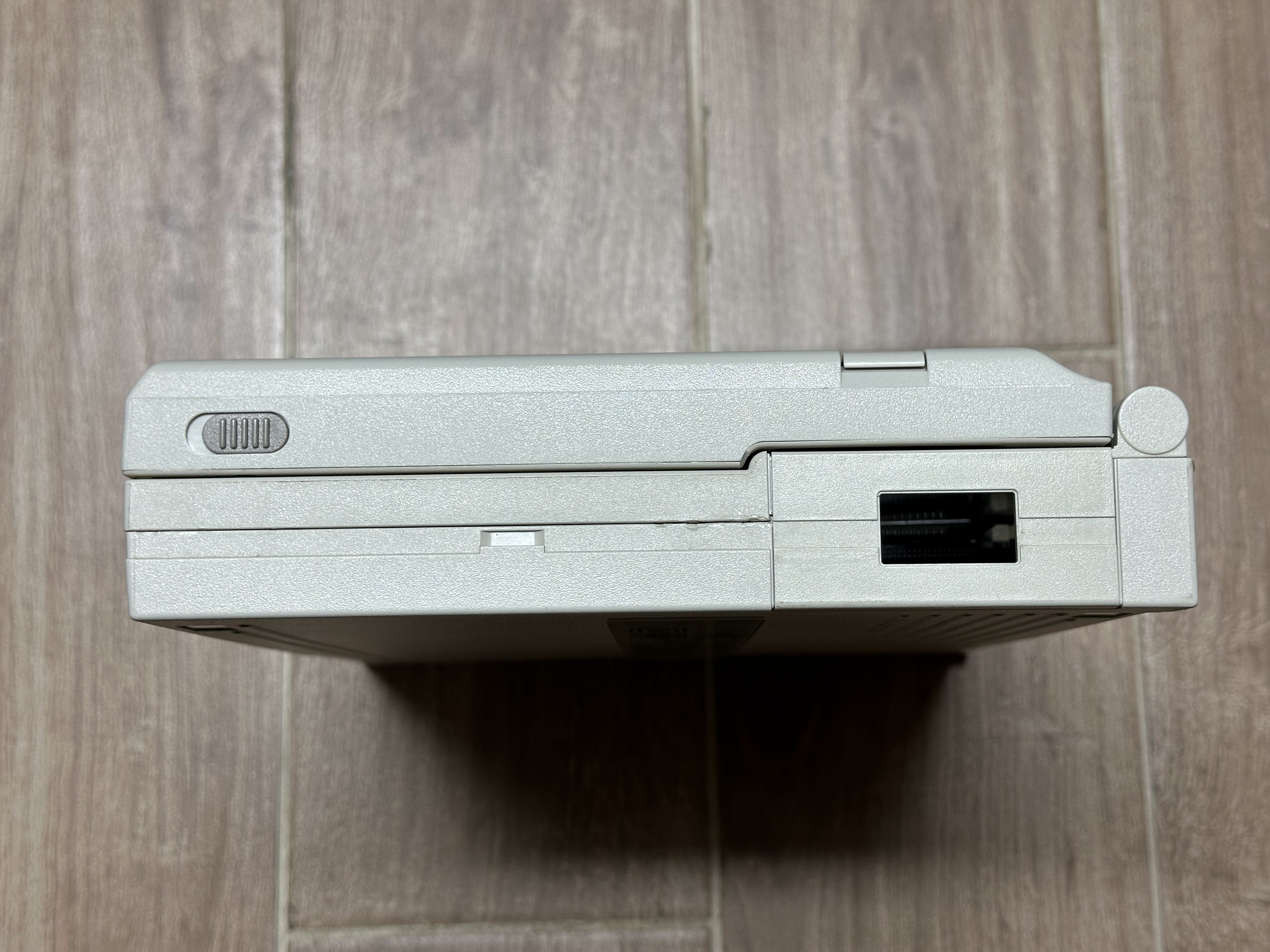
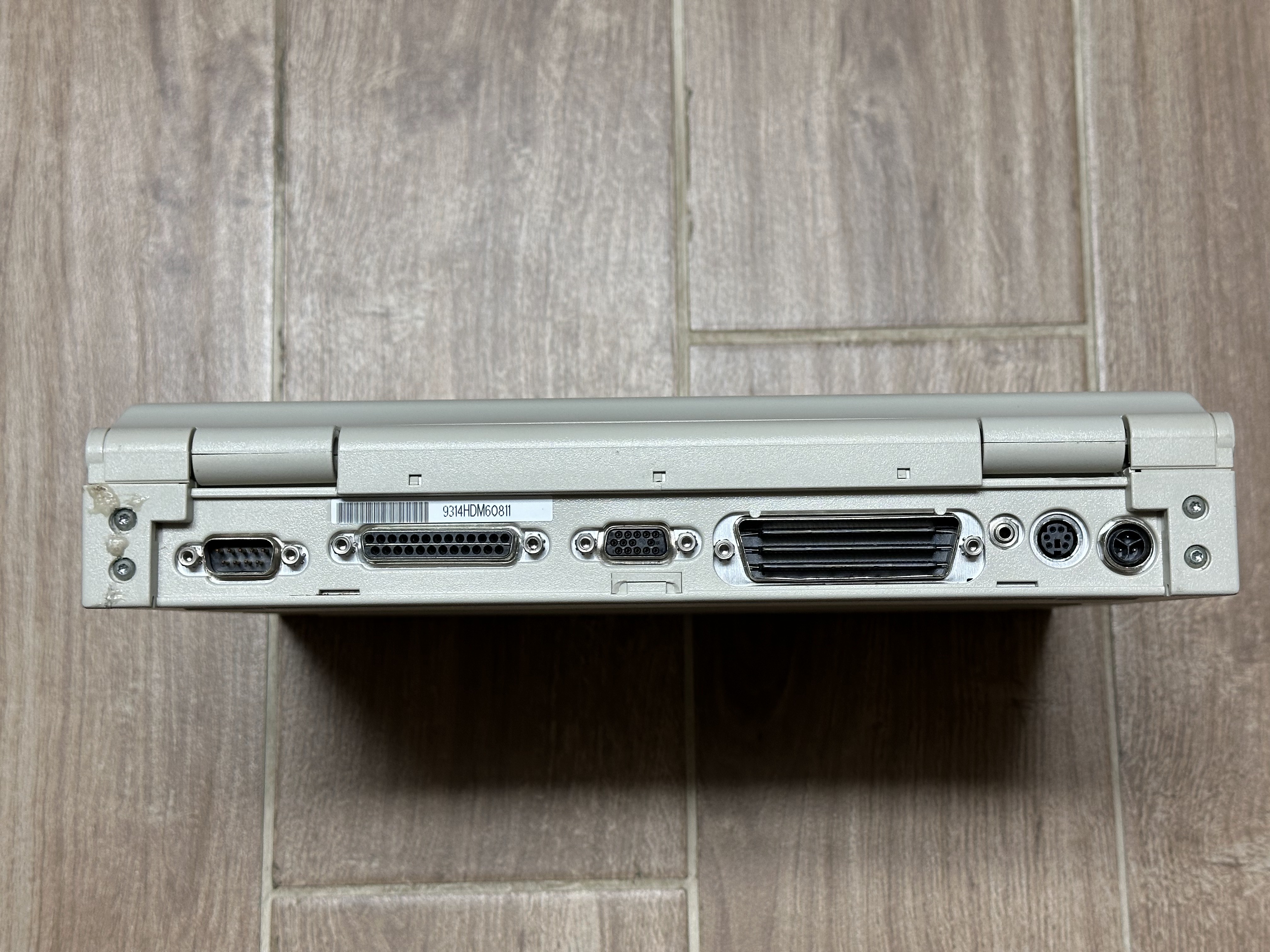
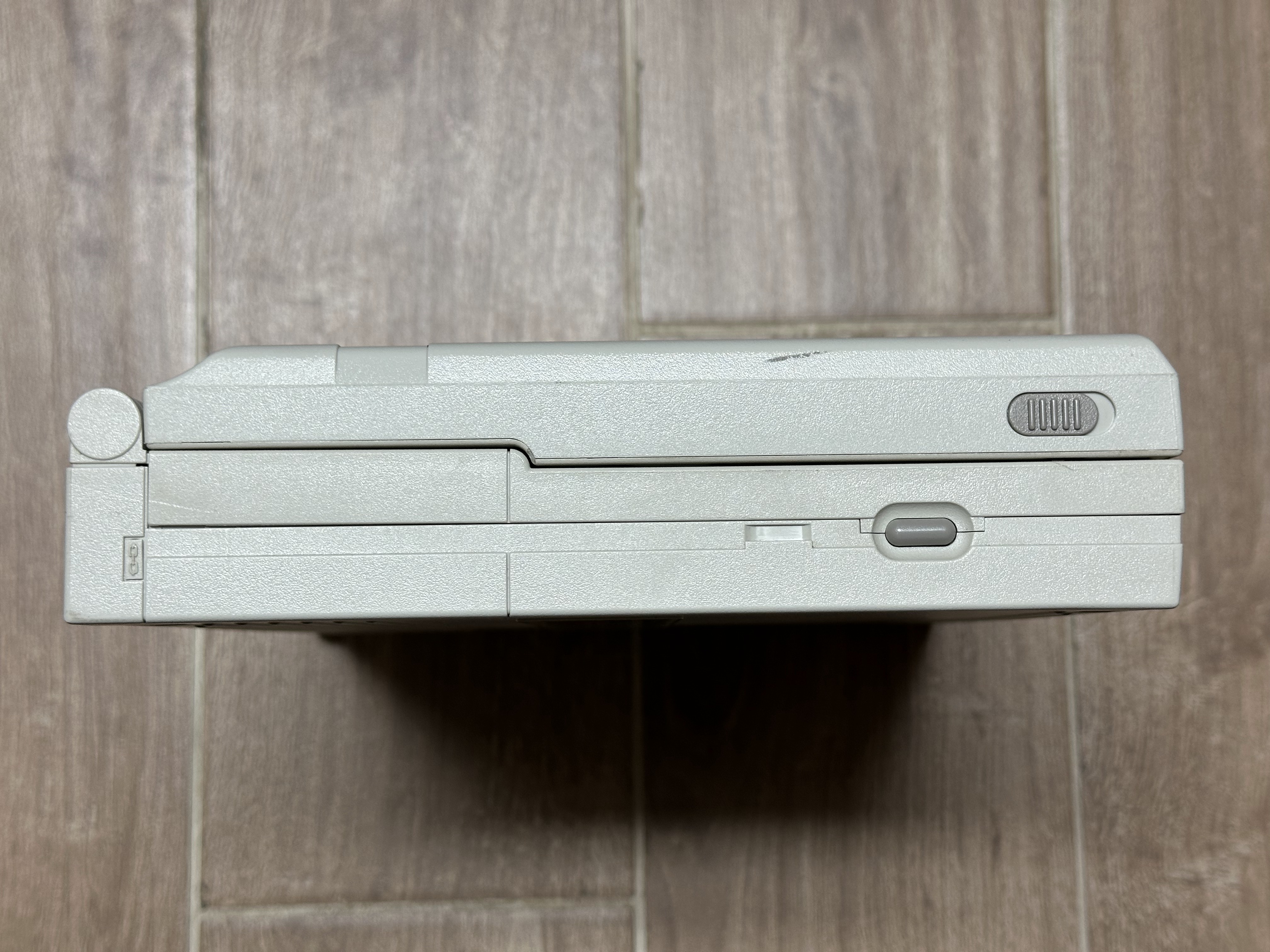
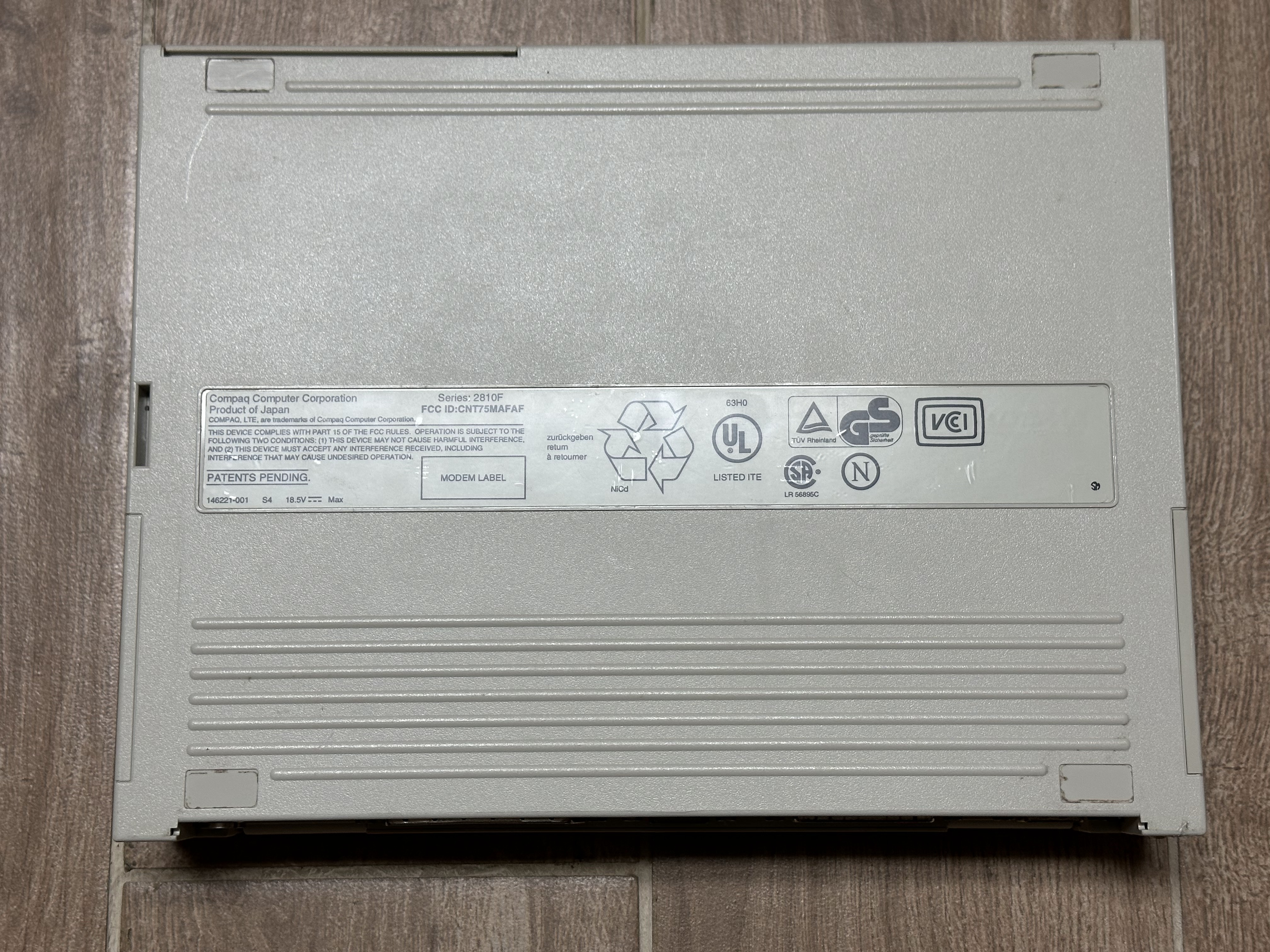
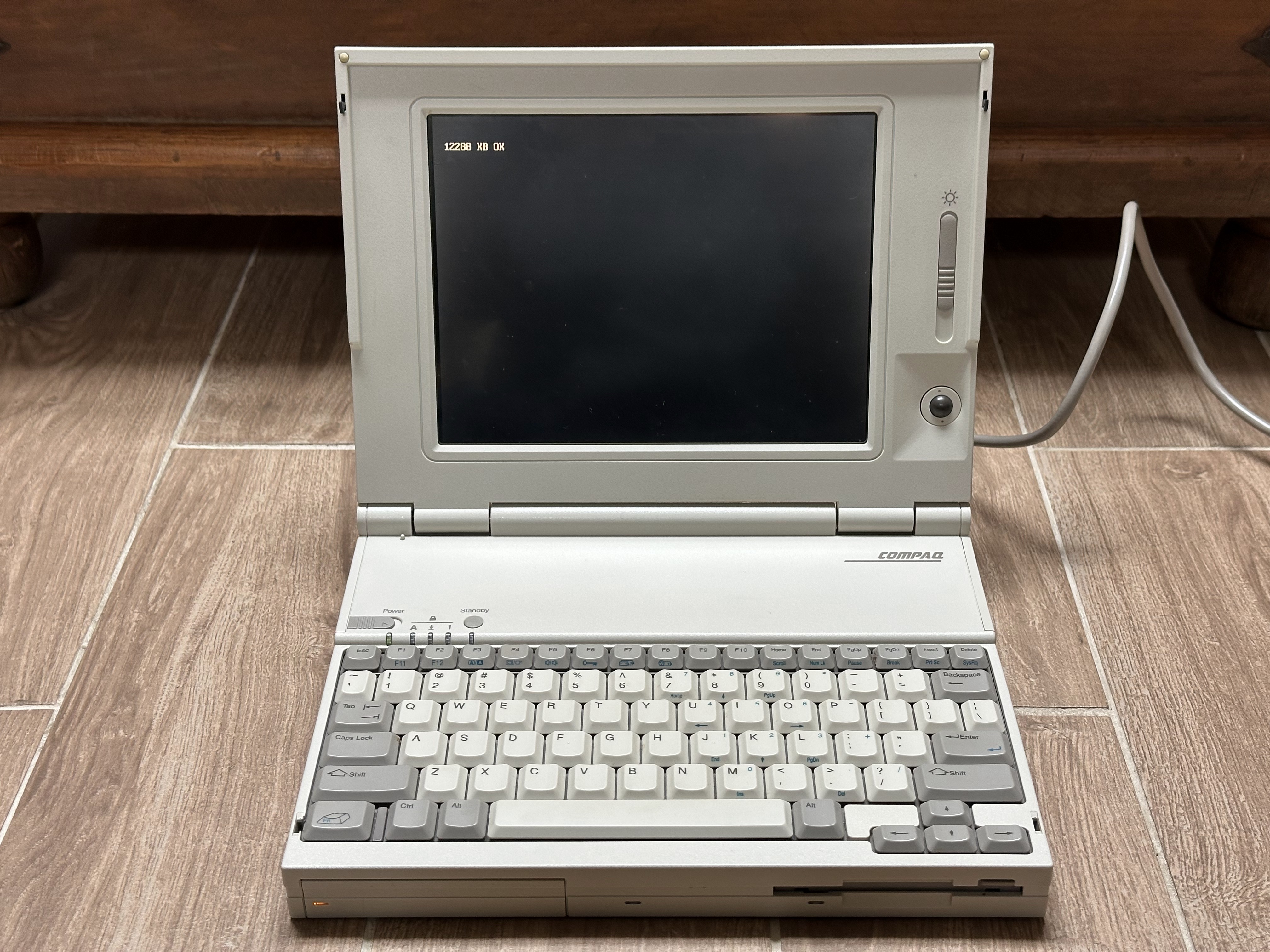
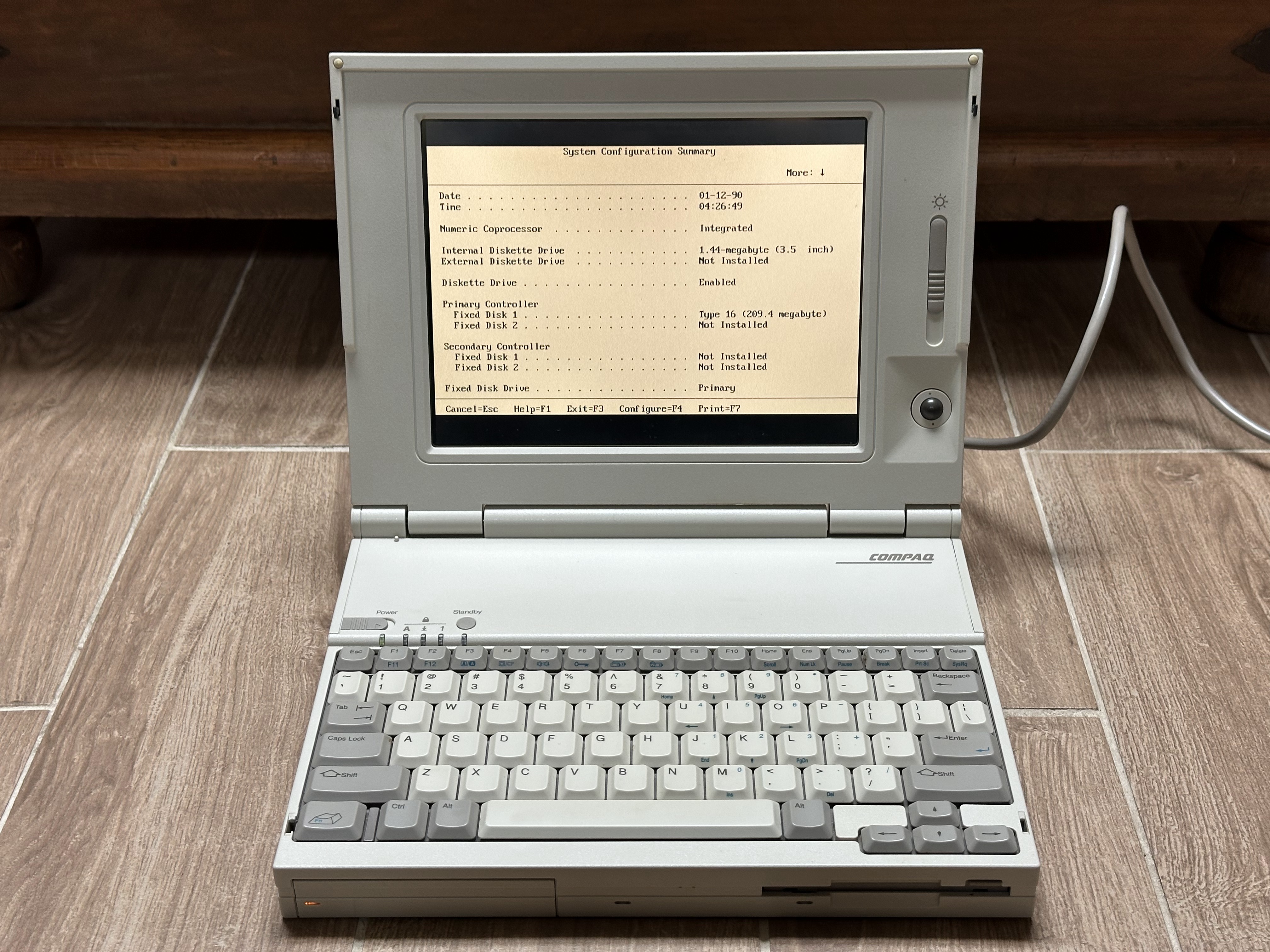
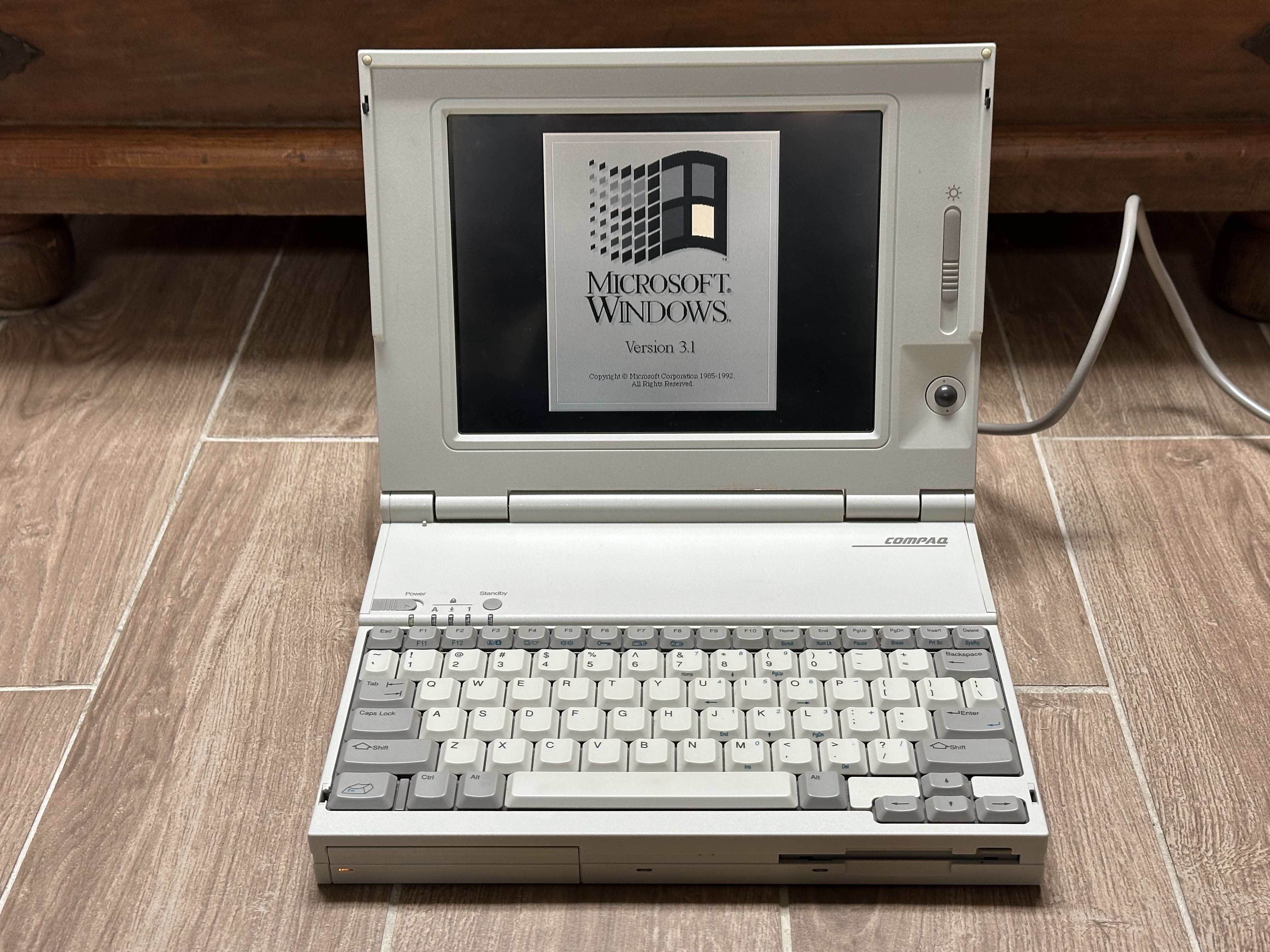
Compaq LTE Lite 4/33C